Saltar al contenido principal
Únete a la Comunidad de Reparación - Crear Cuenta

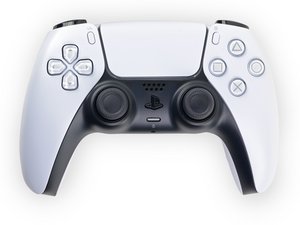
Documentación de reparación para el mando DualSense de Sony PlayStation 5. Número de modelo: CFI-ZCT1W

How to remove the L2/R2 holder/bracket?

Block Image

As the title says, how do I remove the internal piece of the L2/R2 button?

I got some new ones to customise my controller but they don't have the internal piece where the metal rod secures the button and I can't figure out how to remove it from my original ones

Contestado! Ver respuesta Yo también tengo este problema

Es esta una buena pregunta?

Puntuación 0

Agregar un comentario

1 Respuesta

Solución Elegida

To remove the DualSense V1 L2/R2 internal bracket, first slide out the metal pivot pin. Then gently flex the two side tabs outward while pushing the bracket upward from the bottom. It will pop out without damage. Reinstall the bracket into the new trigger and reinsert the pin.

Fue útil esta respuesta?

Puntuación 1

5 comentarios:

To add: You can find some more info here: https://www.reddit.com/r/eXtremeRate/com...

Please let me know if you need a video/guide!

- de

Thank you so much for the reply, I am going to try it out and try not to break it.

- de

@dan0 if you have a video/guide it would help a lot! Thank you

- de

I did it! Thank you so much for the help you are life savior!

- de

Ah glad that you got it solved! Sorry for the late response... Have a nice day!

- de

Agregar un comentario

Añadir tu respuesta

Tigloria estará eternamente agradecido.
Ver Estadísticas:

Ultimas 24 horas: 1

Ultimos 7 días: 4

Ultimos 30 días: 34

Todo El Tiempo: 163