



Mi Problema
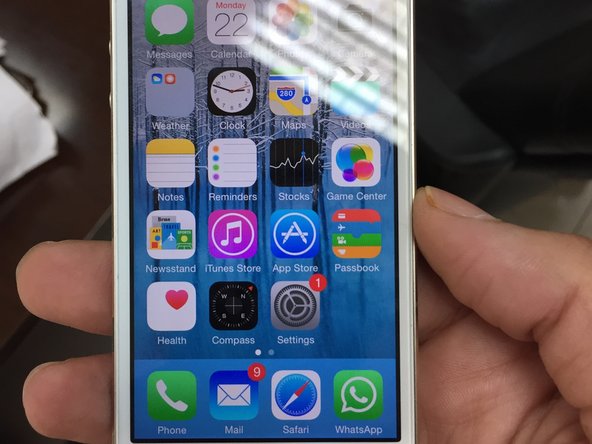
I got two iPhone 5s with cracked screens and an iPhone 5 with problematic battery.
Mi Solución
The battery replacement of the iPhone 5 went smooth and easy. However, the display replacement of the first iPhone 5s started bad when i broke the home button cable while trying to disassemble the cracked screen. I gave it more pull than needed so the cable got cut. I continued with the rest of the repair just fine and bought another home button from the local market and fixed it. it was ok except that I lost Touch ID functionality forever on this phone. I learned a lot from the first iPhone 5s which was my first ever repair of any electronic device. So the second display replacement was a lot easier and fun. It was replaced and working just fine. It felt great.
Mi Consejo
My advice is to be very careful during the disassembly of the cracked screen. It's not difficult to remove but you need to apply adequate consistent pulls and be very patient. The second advice is to be patient during the whole process. You might see YouTube videos for screens being replaced in under 10 minutes. But that when you get use to it. The first couple of times, let it take an hour or even two. It'll feel great when you do it right not fast. Third and last, place the screws safe and some where you would remember where you got them off from. This is very important or you would not be able to reassemble the display back. Good luck!

0 comentarios