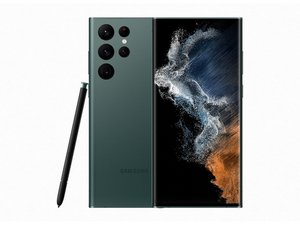
Why doesn't my brand new Samsung galaxy s22 ultra turn on?
Why doesn't my Samsung Galaxy S22 ultra phone turn on?
Es esta una buena pregunta?
Puntuación
0

Rep: 11
 1
1
Why doesn't my Samsung Galaxy S22 ultra phone turn on?
Es esta una buena pregunta?

Rep: 535mil
11
 407
407
 1.5mil
Try connecting the phone to a computer using a USB cable and then press and hold the Volume Up and Power buttons (both together) and check if it turns on and shows the Samsung logo.
If it does, release the Power button only and keep holding the Vol. Up button until it enters the Recovery menu.
If it does release the Vol. Up button and then use the Vol buttons to navigate through the menu options to Reboot system now and then press the Power button to select and check if it turns on OK etc.
Fue útil esta respuesta?
At this point, I think you're brilliant. I will definitely give it a try.
Ultimas 24 horas: 0
Ultimos 7 días: 8
Ultimos 30 días: 27
Todo El Tiempo: 104

7 comentarios
Hi @zacharyvaile
Does the phone indicate that the battery is charging (or even that it is fully charged) when the charger is connected?
- de jayeff
Yes battery charges and is fully charged charged 🙄
- de ZACHARY VAILE
@zacharyvaile
Just verifying that continually holding the side button doesn't cause the Samsung logo to eventually appear - may take some seconds to appear
If it's brand new, return it to the seller and ask for a warranty replacement or refund.
You shouldn't have to fix a brand new phone
- de jayeff
Holding down on the power does absolutely nothing
- de ZACHARY VAILE
The phone is 2 weeks old,
- de ZACHARY VAILE
Mostrar 2 comentarios más