Saltar al contenido principal
Únete a la Comunidad de Reparación - Crear Cuenta

Quick Antenna Connection Check for Delphi MyFi XM2GO

Qué necesitas

  1. Quick Antenna Connection Check for Delphi MyFi XM2GO, Battery Cover: paso 1, imagen 1 de 3 Quick Antenna Connection Check for Delphi MyFi XM2GO, Battery Cover: paso 1, imagen 2 de 3 Quick Antenna Connection Check for Delphi MyFi XM2GO, Battery Cover: paso 1, imagen 3 de 3
    • Locate the large button on the top of the device.

    • Push down on the button and slide the cover away from the button.

    • The battery removal tab may pop up.

    Pregunta a FixBot
  2. Quick Antenna Connection Check for Delphi MyFi XM2GO, Battery: paso 2, imagen 1 de 3 Quick Antenna Connection Check for Delphi MyFi XM2GO, Battery: paso 2, imagen 2 de 3 Quick Antenna Connection Check for Delphi MyFi XM2GO, Battery: paso 2, imagen 3 de 3
    • Grab the red pull tab and pull down to unlock the latch.

    • Pull the battery out.

    Pregunta a FixBot
  3. Quick Antenna Connection Check for Delphi MyFi XM2GO, Quick Antenna Connection Check for Delphi MyFi XM2GO: paso 3, imagen 1 de 1
    • Under the battery is a magnetic mat, shown in red, that shields battery interference with the reception of the XM Satellite antenna.

    • This mat is stuck to the back of the device like a sticker and can be removed.

    • CAUTION: Do not operate the device without this magnetic shield.

    Pregunta a FixBot
  4. Quick Antenna Connection Check for Delphi MyFi XM2GO: paso 4, imagen 1 de 3 Quick Antenna Connection Check for Delphi MyFi XM2GO: paso 4, imagen 2 de 3 Quick Antenna Connection Check for Delphi MyFi XM2GO: paso 4, imagen 3 de 3
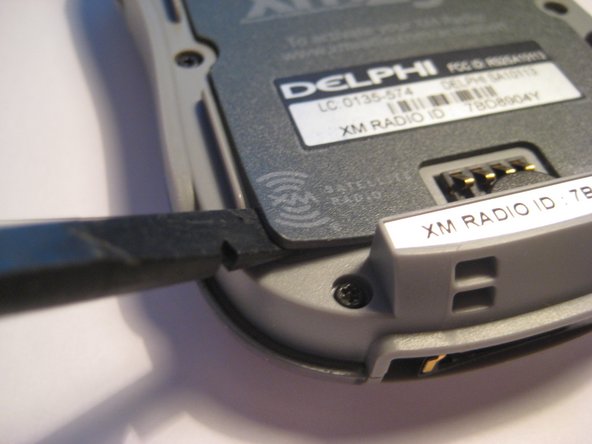
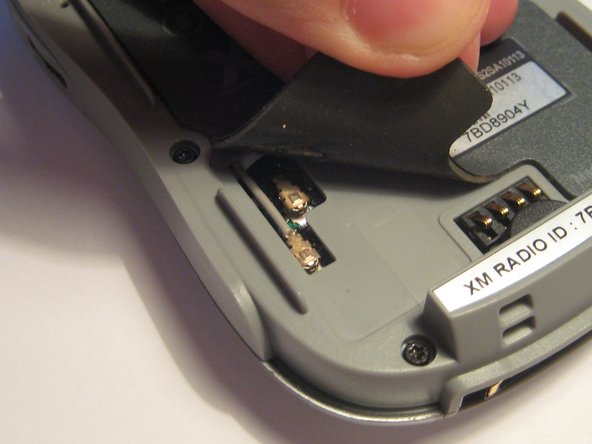
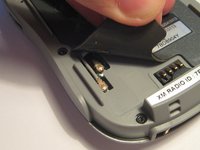
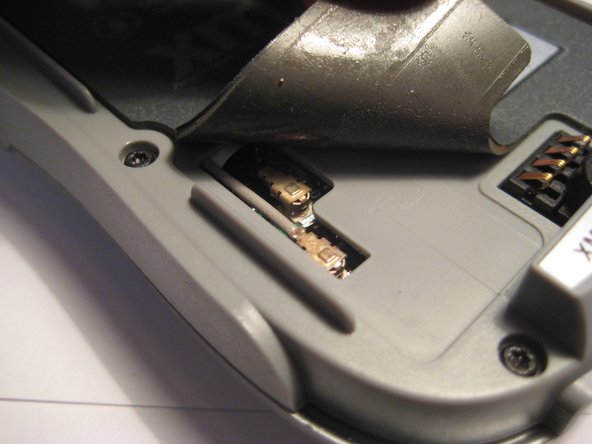
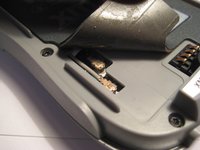
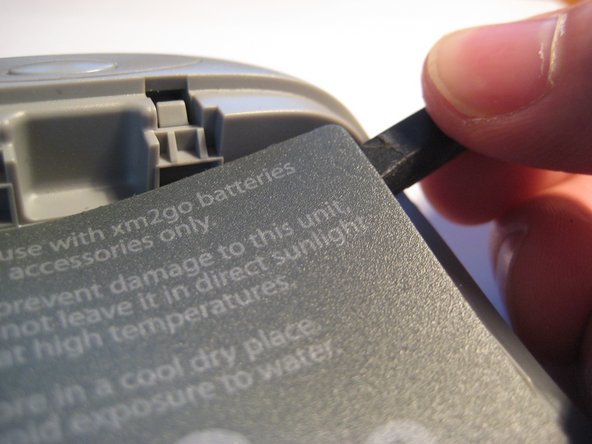
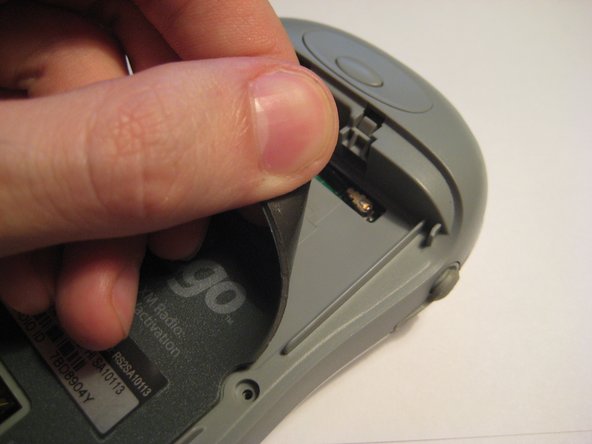
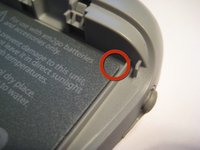
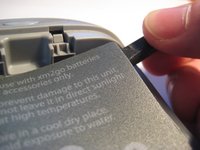
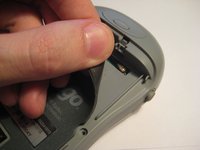
    • On the bottom left side of the magnetic mat, the corner can be lifted up to reveal the U.FL antenna connector. A spudger or your fingernails can be used to pry up the corners.

    • These U.FL antenna connections are standard for most portable devices and WiFi cards. They may become detached through use and may be checked if no reception is present.

    • Lift up the corner and notice the two connectors going to the PCB.

    Pregunta a FixBot
  5. Quick Antenna Connection Check for Delphi MyFi XM2GO: paso 5, imagen 1 de 2 Quick Antenna Connection Check for Delphi MyFi XM2GO: paso 5, imagen 2 de 2
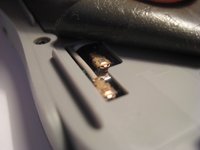
    • Both of these connectors must be firmly attached to the PCB. Try pressing them firmly to make sure they are making full contact.

    Pregunta a FixBot
  6. Quick Antenna Connection Check for Delphi MyFi XM2GO: paso 6, imagen 1 de 3 Quick Antenna Connection Check for Delphi MyFi XM2GO: paso 6, imagen 2 de 3 Quick Antenna Connection Check for Delphi MyFi XM2GO: paso 6, imagen 3 de 3
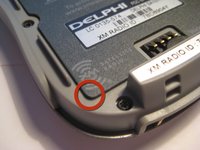
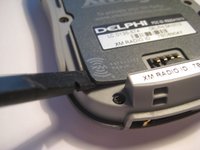
    • On the top right corner, the magnetic mat can be lifted up to check another U.FL connector as with the 3rd step.

    • This mat can be pressed down again to secure after checking the connector.

    Pregunta a FixBot
  7. Quick Antenna Connection Check for Delphi MyFi XM2GO: paso 7, imagen 1 de 1
    • Try pressing down on the U.FL connector, as seen in this picture, to ensure a secure connection.

    Pregunta a FixBot
Conclusión

To reassemble your device, follow these instructions in reverse order.

Una persona más ha completado esta guía.

Scott Byer

Miembro Desde 03/09/12

88 Reputación

5 Guías creadas

Equipo

Clemson, Team 1-2, Benson Spring 2012 Miembro de Clemson, Team 1-2, Benson Spring 2012

CLEM-BENSON-S12S1G2

Miembros de 3

9 Guías creadas

1Guía Comentario

la radio sigue sin funcionar

luis - Contestar Compartir

Agregar Comentario

Ver Estadísticas:

Ultimas 24 horas: 1

Ultimos 7 días: 5

Ultimos 30 días: 49

Todo El Tiempo: 3,386