Introducción
Repeated dropping and use of your tablet can result in damaging various physical and electrical components like the camera. If your device's camera is malfunctioning, follow this guide to access and replace it.
Qué necesitas
-
-
-
Starting near the headphone port, fit the flat end of the spudger in between the screen and back case.
-
Pry the back case from the screen around each point on the device to release the clips securing the case halves to each other.
-
-
-
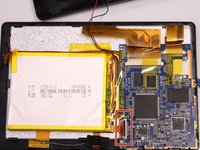
Gently remove the back case of the device and lay it in a flat surface as shown in the photo.
-
-
-
-
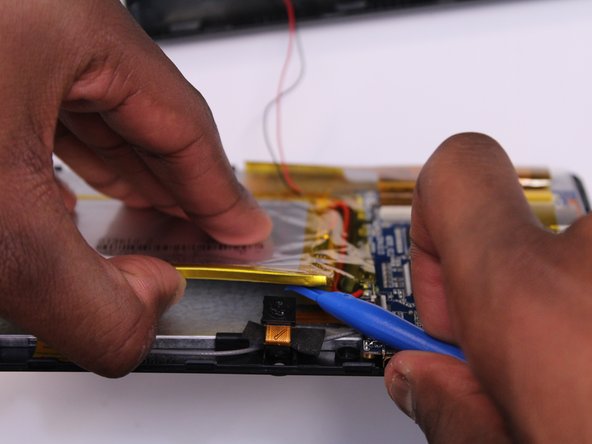
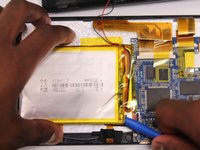
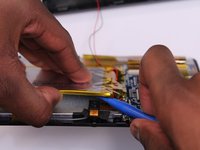
Use the flat end of the spudger to gently pry the top left corner battery from the back of the screen in order to access the camera.
-
-
-
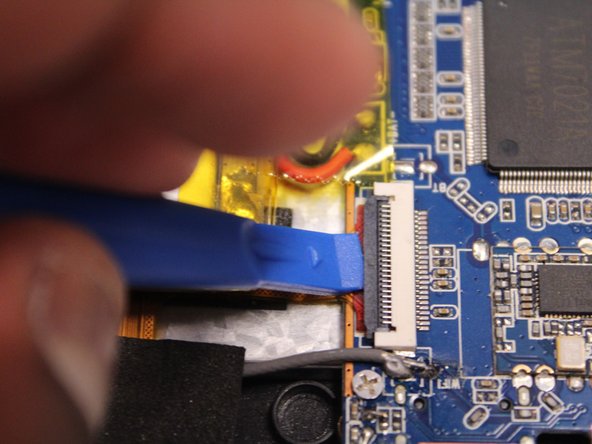
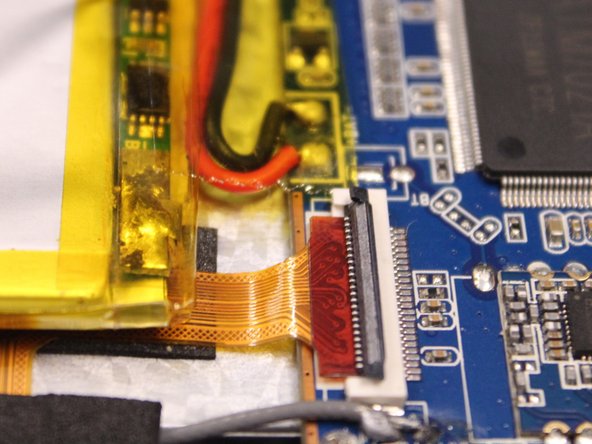
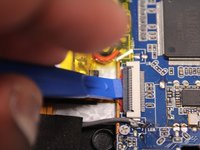
Use the spudger to lift the black clamp as shown in the photo to disconnect the camera from the motherboard.
-
-
-
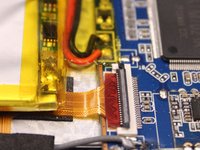
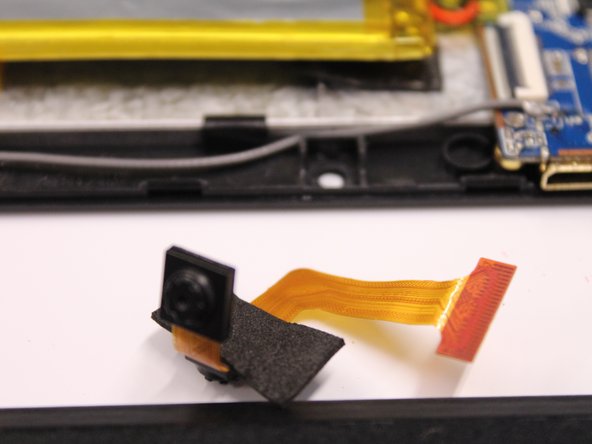
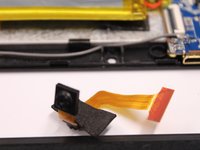
Disconet the camera from the motherboard.
-
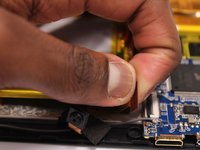
Pull the camera from the back of the screen.
-

 Pregunta a FixBot




To reassemble your device, follow these instructions in reverse order.
Cancelar: No complete esta guía.
Una persona más ha completado esta guía.

Equipo

UMass Dartmouth, Team 5-3, Martin Fall 2016 Miembro de UMass Dartmouth, Team 5-3, Martin Fall 2016
UMASSD-MARTIN-F16S5G3
Miembros de 3
10 Guías creadas
