Saltar al contenido principal
Únete a la Comunidad de Reparación - Crear Cuenta

PDP Rematch Advanced Back Buttons Replacement

Qué necesitas

  1. PDP Rematch Advanced Back Buttons Replacement, Joystick Cover: paso 1, imagen 1 de 3 PDP Rematch Advanced Back Buttons Replacement, Joystick Cover: paso 1, imagen 2 de 3 PDP Rematch Advanced Back Buttons Replacement, Joystick Cover: paso 1, imagen 3 de 3
    • Orient the controller so the back side is facing you.

    • Use a Phillips #000 screwdriver to remove the seven 9 mm screws that secure the back shell.

    Pregunta a FixBot

    Agregar Comentario

  2. PDP Rematch Advanced Back Buttons Replacement: paso 2, imagen 1 de 3 PDP Rematch Advanced Back Buttons Replacement: paso 2, imagen 2 de 3 PDP Rematch Advanced Back Buttons Replacement: paso 2, imagen 3 de 3
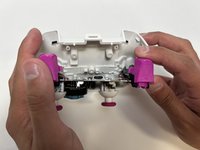
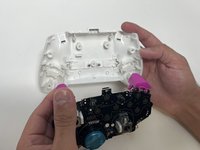
    • Pull apart the controller's front and back shells with moderate force.

    • Orient the controller so that the front shell is facing the floor to prevent the face buttons from falling out.

    Pregunta a FixBot

    Agregar Comentario

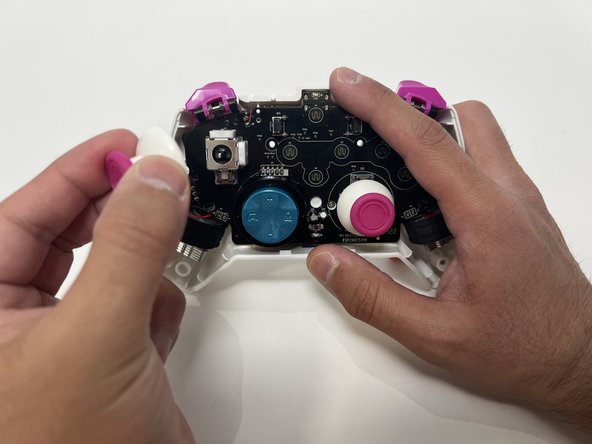
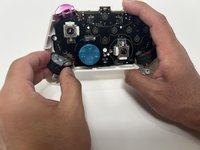
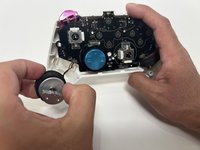
  3. PDP Rematch Advanced Back Buttons Replacement: paso 3, imagen 1 de 2 PDP Rematch Advanced Back Buttons Replacement: paso 3, imagen 2 de 2
    • Twist the thumbstick to remove it from the motherboard. Repeat this step if both thumbsticks need to be replaced.

    Pregunta a FixBot

    Agregar Comentario

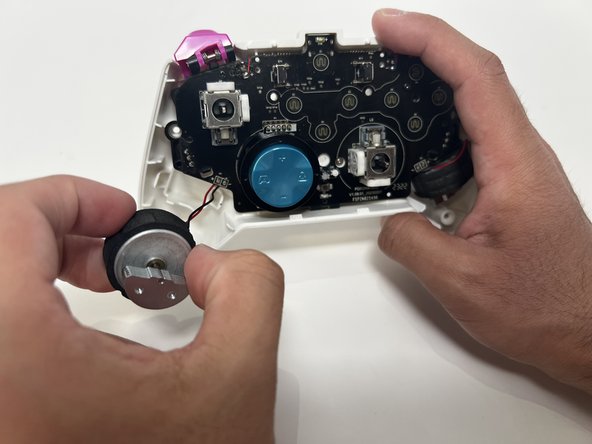
  4. PDP Rematch Advanced Back Buttons Replacement, Back Shell: paso 4, imagen 1 de 2 PDP Rematch Advanced Back Buttons Replacement, Back Shell: paso 4, imagen 2 de 2
    • Grab the motor and pull away from the back shell. Repeat for both motors.

    Pregunta a FixBot

    Agregar Comentario

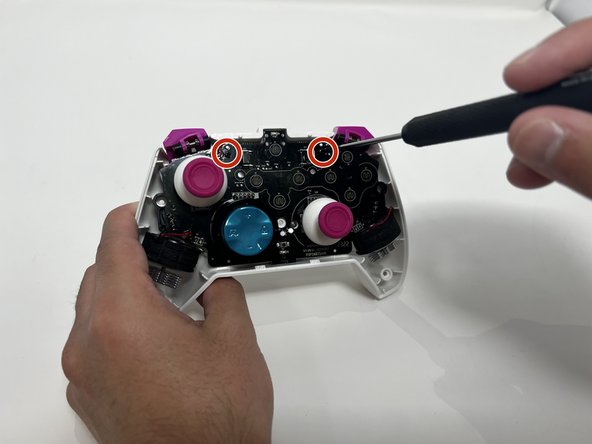
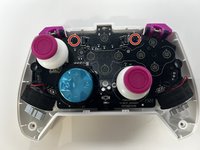
  5. PDP Rematch Advanced Back Buttons Replacement: paso 5, imagen 1 de 2 PDP Rematch Advanced Back Buttons Replacement: paso 5, imagen 2 de 2
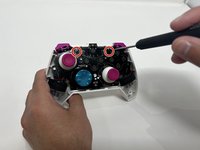
    • Use a Phillips #00 Screwdriver to remove the two 5mm screws from the motherboard.

    Pregunta a FixBot

    Agregar Comentario

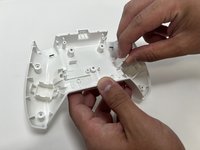
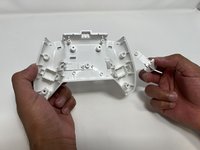
  6. PDP Rematch Advanced Back Buttons Replacement: paso 6, imagen 1 de 3 PDP Rematch Advanced Back Buttons Replacement: paso 6, imagen 2 de 3 PDP Rematch Advanced Back Buttons Replacement: paso 6, imagen 3 de 3
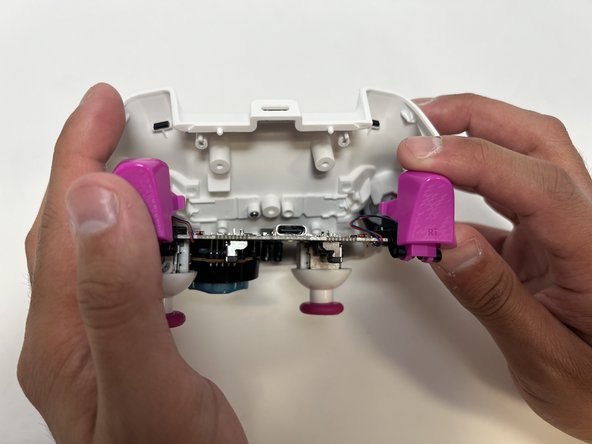
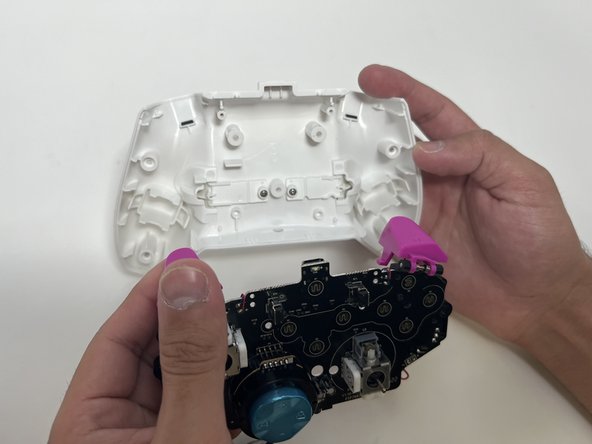
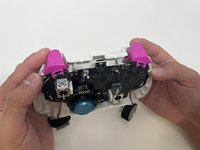
    • Remove the motherboard from the back shell using moderate force.

    Pregunta a FixBot

    Agregar Comentario

  7. PDP Rematch Advanced Back Buttons Replacement, Back Buttons: paso 7, imagen 1 de 2 PDP Rematch Advanced Back Buttons Replacement, Back Buttons: paso 7, imagen 2 de 2
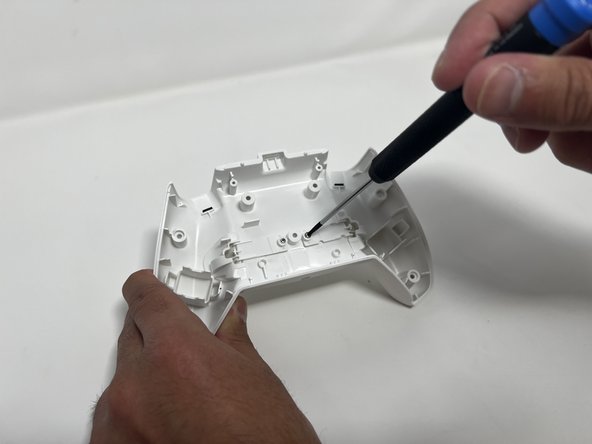
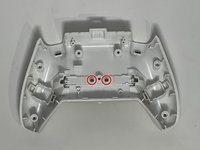
    • Use a Phillips #00 to remove the two 5mm screws from the back buttons.

    Pregunta a FixBot

    Agregar Comentario

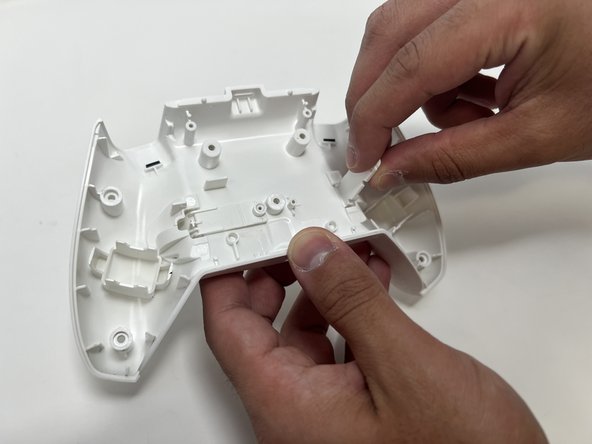
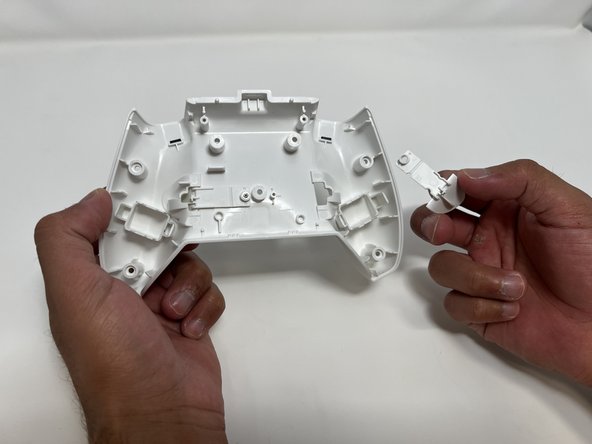
  8. PDP Rematch Advanced Back Buttons Replacement: paso 8, imagen 1 de 3 PDP Rematch Advanced Back Buttons Replacement: paso 8, imagen 2 de 3 PDP Rematch Advanced Back Buttons Replacement: paso 8, imagen 3 de 3
    • Lift the back button, and then pull it out through the back shell. Do this for both back buttons.

    Pregunta a FixBot

    Agregar Comentario

Conclusión

To reassemble your device, follow these instructions in reverse order.

Cancelar: No complete esta guía.

Collin Lawe

Miembro Desde 10/02/23

462 Reputación

3 Guías creadas

Equipo

0Guía Comentarios

Agregar Comentario

Ver Estadísticas:

Ultimas 24 horas: 1

Ultimos 7 días: 9

Ultimos 30 días: 15

Todo El Tiempo: 648