Esta traducción la ha hecho un programa y todavía no la ha revisado nadie. ¿Hablas este idioma? Échale un vistazo.
Introducción
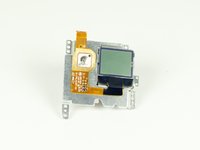
Si por alguna razón tu pantalla no funciona, puedes cambiarla. Como se encuentra cerca de la parte inferior de la cámara, no es fácil de sustituir. ¡Toma tus destornilladores y tus pinzas y manos a la obra!
Qué necesitas
-
-
-
Desengancha la pestaña negra de la carcasa de la cámara y abre la carcasa.
 Pregunta a FixBot
-
-
-
Abre con cuidado la parte trasera insertando un spudger de metal entre la carcasa y el panel trasero.
-
-
-
Desconecta la batería de la placa madre desenchufando el cableado rojo, blanco y negro del adaptador blanco.
-
-
-
Desconecta el cable plano de la lente levantando el pestillo negro y tirando suavemente del cable plano para sacarlo del zócalo.
-
-
-
-
Usa un destornillador Phillips (PH000) para quitar los cuatro tornillos que rodean la pieza de plástico blanca.
-
-
-
Retira con cuidado la placa madre y la pieza de plástico blanco de la carcasa.
-
-
-
-
-
Desconecta el cable plano más grande de la placa secundaria levantando la pestaña negra y tirando suavemente del cable plano fuera del zócalo.
-
Desconecta el cable plano más pequeño que sale de la pieza de plástico blanca tirando simplemente de él para sacarlo del zócalo.
-
-
-
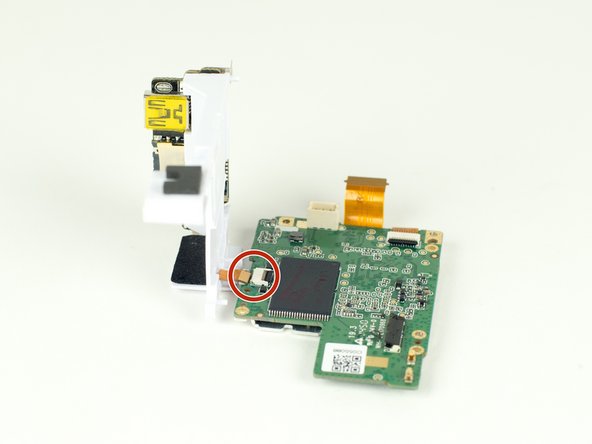
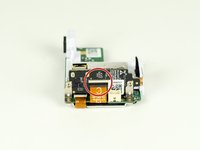
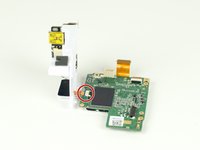
Retira el cable plano de la placa madre tirando simplemente del cable desde el zócalo.
-
-




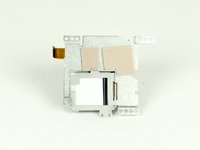
Para volver a montar tu dispositivo, sigue estas instrucciones en orden inverso.
Cancelar: No complete esta guía.
6 personas más completaron esta guía.

Equipo

Cal Poly, Team 12-2, Lancaster Spring 2015 Miembro de Cal Poly, Team 12-2, Lancaster Spring 2015
CPSU-LANCASTER-S15S12G2
Miembros de 4
72 Guías creadas
3Guía Comentarios
Where do you buy the replacement lcd
Gopro hero 7 white repair cost:
Screen: $45 - https://www.ebay.com.au/itm/183828969944
Side panel: $35 - https://www.herogear.com.au/genuine-repl...
I can find the screen but is it compatible with the Hero+
