Introducción
Usa esta guía para desmontar y reemplazar el panel frontal y el digitalizador del iPhone 3GS.
Qué necesitas
Resumen del Video
-
-
-
Si el cristal de la pantalla está agrietado, mantén la rotura contenida y evita que se produzcan daños corporales durante la reparación pegando el cristal con cinta adhesiva.
-
Coloca tiras superpuestas de cinta de embalar transparente sobre la pantalla del iPhone hasta cubrir toda la cara.
 Pregunta a FixBot
-
-
-
-
-
Retire los dos tornillos Phillips # 00 del extremo del conector de acoplamiento del iPhone.
-
-
-
Tenga mucho cuidado al abrir el iPhone para que los cables bajo la pantalla no se corten. Hay una junta de goma entre el bisel frontal de plata y el conjunto de pantalla negro. Se requiere un poco de fuerza en este paso para separar el conjunto de visualización del iPhone.
-
-
-
Gire el conjunto de la pantalla hasta que esté en un ángulo de aproximadamente 45 grados.
-
-
-
Siga sosteniendo el ensamblaje de la pantalla con una mano y use la otra mano y un spudger para desconectar el cable de cinta negro con la etiqueta "1".
-
El cable de cinta "1" está conectado con un conector tipo enchufe. El bloque en el extremo del cable es el enchufe que es simplemente empujado en un zócalo en la placa de circuito. No se utiliza ningún otro mecanismo de bloqueo.
-
-
-
Gire el conjunto de la pantalla hasta que esté aproximadamente vertical. Esto permitirá un acceso más fácil para desconectar los cables restantes.
-
Utilice un spudger para desconectar el cable de cinta negro con la etiqueta "2".
-
-
-
Deslice el cable plano del conector y retire el conjunto de la pantalla del iPhone.
-
-
-
Retire el tornillo Phillips # 00 único de la esquina del ensamblaje de la pantalla.
-
-
-
Retire los dos tornillos Phillips # 00 del lado derecho del ensamblaje de la pantalla.
-
-
-
-
Gire la pantalla alrededor, y si hay una tira fina de la cinta negra en el borde de la asamblea de la exhibición, cuidadosamente despega para arriba.
-
-
-
Retire los tres tornillos Phillips # 00 del lado izquierdo del ensamblaje de la pantalla.
-
-
-
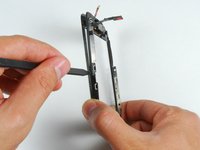
Gire el ensamblaje de la pantalla y vuelva a insertar con cuidado un chavetero metálico entre los dos rieles metálicos a lo largo del borde del conjunto de la pantalla. Gire suavemente el spudger para levantar la LCD del vidrio.
-
-
-
Separar la pantalla LCD y el cristal deslizando el panel LCD lejos de los cables de cinta en el cristal.
-
-
-
-
-
Esto es lo que debería quedar después de retirar la pantalla LCD.
-
-
-
Si el cristal se ha roto en la parte superior o inferior, ten mucho cuidado al retirar los fragmentos. En casos extremos, podrías tener que retirar cualquier resto de cristal que quede pegado al plástico.
-
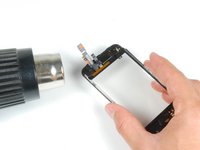
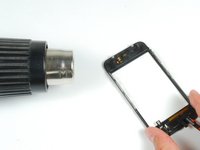
Con una pistola de calor o un secador de pelo, calienta la parte superior izquierda de la pantalla táctil.
-
Usa las uñas para levantar lentamente la esquina izquierda. Los plásticos de la pantalla táctil están fijados a la pantalla táctil con adhesivo. Puede que te cueste un poco soltar las esquinas.
-
Calienta y repite el proceso para el lado derecho.
-
-
-
Una vez que la parte superior esté libre, usa la pistola de calor para calentar los lados de la pantalla táctil.
-
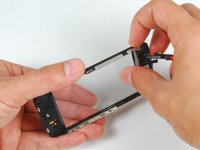
Usa una espátula para liberar los lados de los plásticos de la pantalla táctil.
-
-
-
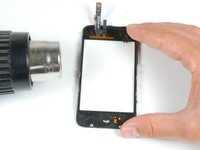
Calienta las esquinas inferiores con la pistola de calor.
-
De nuevo, usa las uñas para liberar las esquinas.
-
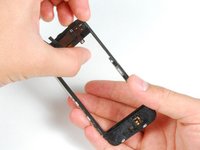
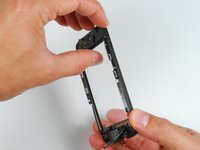
Retira los plásticos de la pantalla táctil.
-
-
-
Para adherir el nuevo panel, retira la mayor cantidad posible del adhesivo existente del marco del panel frontal.
-
-
-
Coloca tiras adhesivas a medida o cinta adhesiva de doble cara en la parte superior de los plásticos del panel frontal.
-
Usa la punta plana de un spudger para presionar las tiras adhesivas contra el marco de plástico.
-
-
-
Coloca la segunda tira adhesiva o cinta adhesiva doble en el extremo del botón de inicio del marco del panel frontal.
-
Pasa la punta plana de un spudger sobre la tira para pegarla y eliminar las burbujas que queden debajo de la pegatina.
-
-
-
Con la punta de un spudger, retira el adhesivo de las tiras del plástico del panel frontal.
-
-
-
Retira el plástico protector del interior del cristal del panel frontal.
-
-
-
Dobla los cables del panel frontal hacia el hueco del botón de inicio para que no estorben.
-
-
-
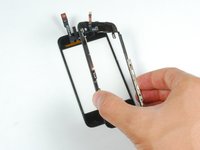
Asegurándost de que los cables superiores estén doblados libremente, alinea la parte superior del vidrio frontal con el marco del panel frontal.
-
-
-
Presiona el panel frontal y el marco, asegurándote de que los extremos del botón de inicio estén alineados.
-
-
-
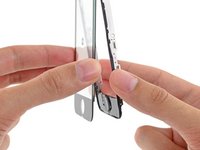
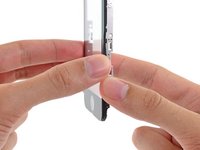
Presiona firmemente ambos extremos del teléfono para asegurar la fijación del adhesivo.
-
-


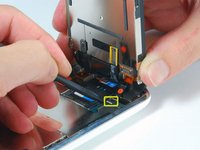
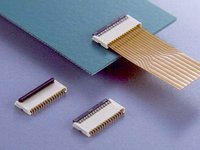


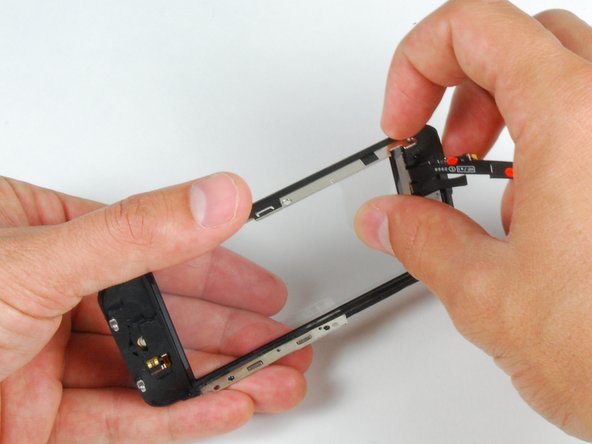
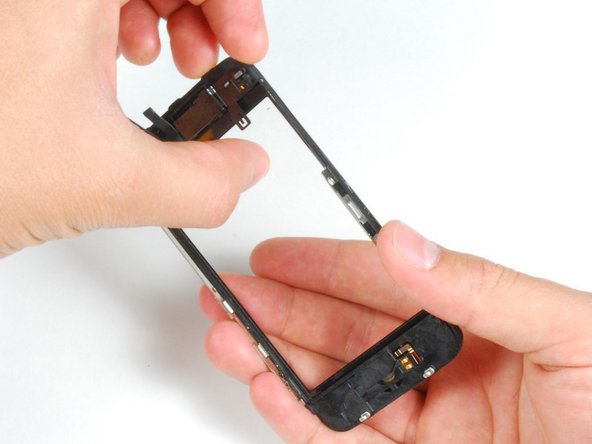






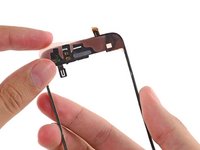
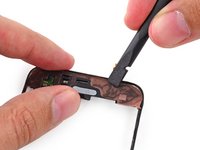
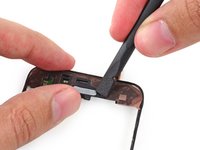
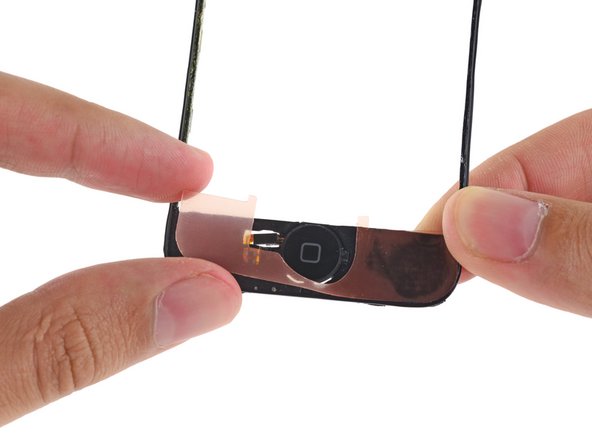


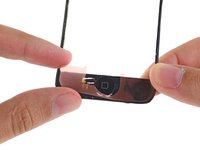
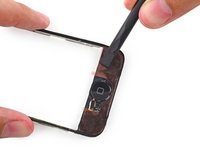
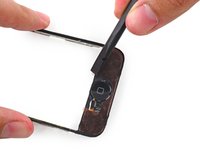


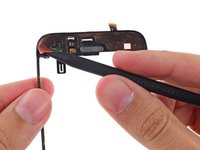
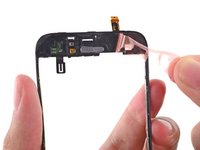
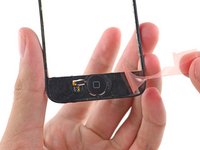


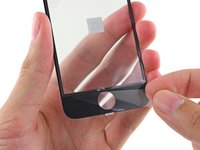
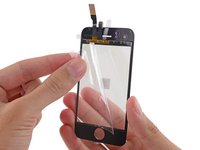
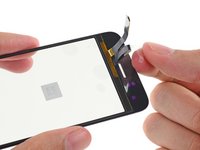


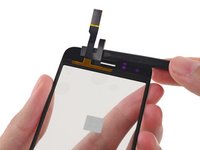
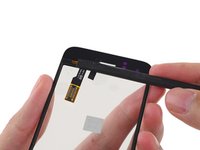
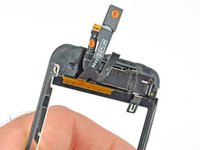


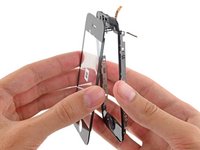
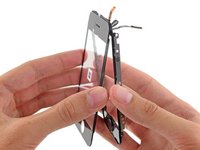



Para volver a ensamblar el dispositivo, siga estas instrucciones en orden inverso.
Cancelar: No complete esta guía.
541 personas más completaron esta guía.
Un agradecimiento especial a estos traductores:
100%

¡ Angel nos está ayudando a reparar el mundo! ¿Quieres contribuir?
Empezar a traducir ›

8Guía Comentarios
Step 15:
the screen sort of sits in the plastic because of the band of material running around the perimeter of the assembly being more firmly attached to the plastic than the screen. I found this step much easier to complete the second time around because i knew to dig my nail in between the screen and the material running around the perimeter of the assembly in a front to back motion. Then i pivoted my nail up 90 degrees so it was between the plastic and the screen and was able to gently pry them apart while heating.
i second that, it should really be another bulletpoint because its really hard to see if you are not looking for it. Something like:
Push gently on the thin plastic bezel surrounding the frontpanel, do not try to push into the side of the assembly. It can look like there is a seam but there is not!
Its really the only way to get it done without ripping off any parts of the plastic bezel... it does not show when reassembled but its creating a wide portal for dust particles.
NOTE: Just completed the installation and was supremely frustrated when the screen didn't turn back on. My first inclination was that the 3rd connector wasn't seated properly...so I opened up and re-attached 3 times. With girlfriend peering over my 'soon to be a failure of a bf' shoulder, I asked her to google up a 'hard reset'. Eureka. Hold down the black nav button and the top power button at the same time until the silver apple reappears. Crisis averted, great tutorial otherwise!
When removing the broken glass, be sure to remove adhesive from the side rails of the iPhone front panel assembly, otherwise your front panel won't fit as snugly as it should.
When reassembling, take care to properly insert ribbon cable 3, as it is much easier to remove it than it is to install it. Having an extra set of hands was invaluable for this repair.
I wish the instructions warned me to make sure a sim card is in the socket before reassembling, and/or they gave detailed reassembly instructions, and/or had higher quality pictures (I zoomed in on the pictures multiple times while reassembling, and could not see exactly how things were supposed to fit back together). My replacement went well, and all was working perfectly, but a piece of the cable was apparently sticking down into the sim card socket, and when my 21 yr old son forced the sim card it, it destroyed the cable that is attached to the plastic speaker assembly. Now I get to buy the more expensive repair kit that includes that part, and try again. D amn, I'm frustrated. -Bill
