Saltar al contenido principal
Únete a la Comunidad de Reparación - Crear Cuenta
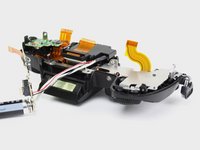
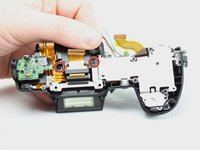
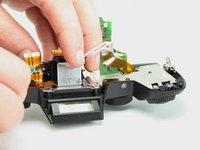
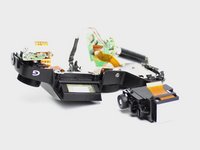
Panasonic Lumix DMC-G7 Electronic Viewfinder Replacement

Qué necesitas

  1. Panasonic Lumix DMC-G7 Electronic Viewfinder Replacement, Mainboard: paso 1, imagen 1 de 2 Panasonic Lumix DMC-G7 Electronic Viewfinder Replacement, Mainboard: paso 1, imagen 2 de 2
    • Unlock and open the battery compartment on the bottom of the camera.

    • Remove both the battery and SD card.

    Pregunta a FixBot

    Agregar Comentario

  2. Panasonic Lumix DMC-G7 Electronic Viewfinder Replacement: paso 2, imagen 1 de 3 Panasonic Lumix DMC-G7 Electronic Viewfinder Replacement: paso 2, imagen 2 de 3 Panasonic Lumix DMC-G7 Electronic Viewfinder Replacement: paso 2, imagen 3 de 3
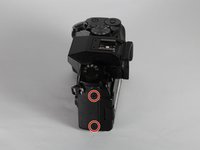
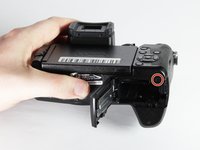
    • Remove the four indicated 3.0mm long black screws from the bottom of the camera and the viewfinder housing using a PH0 Phillips screwdriver.

    • There are four screws on the bottom of the camera. Only remove the two nearest to the screen.

    Pregunta a FixBot

    Agregar Comentario

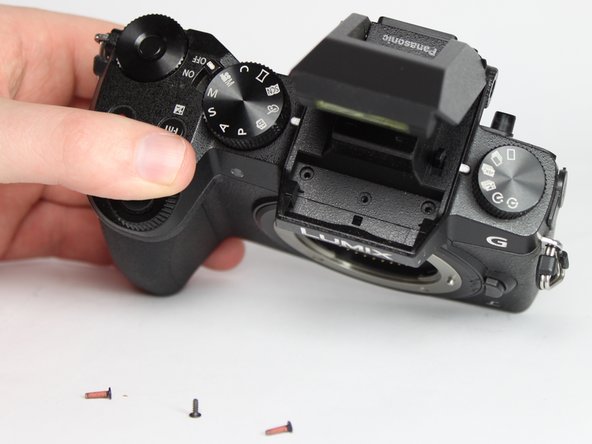
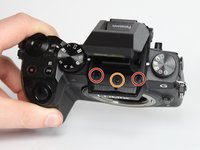
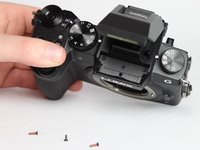
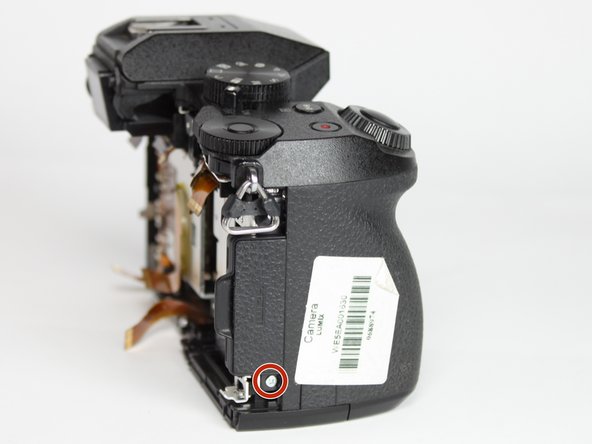
  3. Panasonic Lumix DMC-G7 Electronic Viewfinder Replacement: paso 3, imagen 1 de 3 Panasonic Lumix DMC-G7 Electronic Viewfinder Replacement: paso 3, imagen 2 de 3 Panasonic Lumix DMC-G7 Electronic Viewfinder Replacement: paso 3, imagen 3 de 3
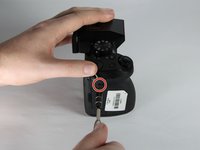
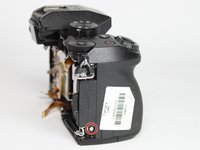
    • Remove the four indicated 6.0mm long black screws using a PH0 Phillips screwdriver.

    • Three of the screws are located on the sides of the chassis and one is directly underneath the battery compartment lid.

    Pregunta a FixBot

    Agregar Comentario

  4. Panasonic Lumix DMC-G7 Electronic Viewfinder Replacement: paso 4, imagen 1 de 3 Panasonic Lumix DMC-G7 Electronic Viewfinder Replacement: paso 4, imagen 2 de 3 Panasonic Lumix DMC-G7 Electronic Viewfinder Replacement: paso 4, imagen 3 de 3
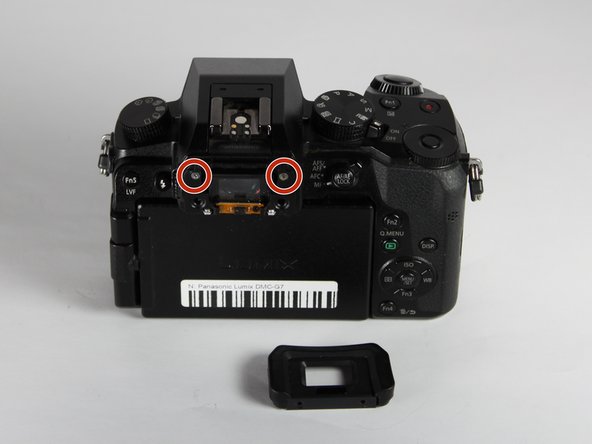
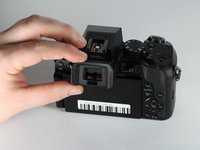
    • Remove the viewfinder eye cup by pulling up and out from the bottom to separate the locking clips from the camera.

    • Do not flex the eye cup too aggressively as it may lose its shape.

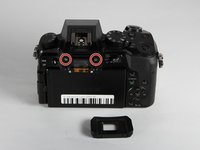
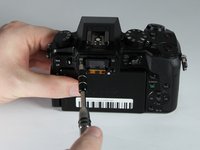
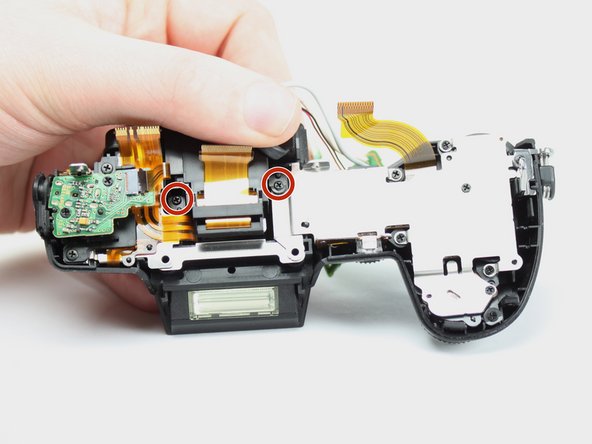
    • Remove the two indicated silver 3.5mm long screws adjacent to the viewfinder screen using a PH0 Phillips screwdriver.

    Pregunta a FixBot

    Agregar Comentario

  5. Panasonic Lumix DMC-G7 Electronic Viewfinder Replacement: paso 5, imagen 1 de 2 Panasonic Lumix DMC-G7 Electronic Viewfinder Replacement: paso 5, imagen 2 de 2
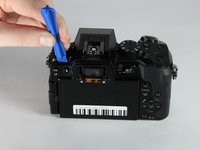
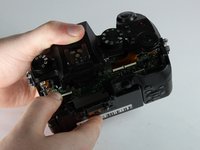
    • Use an iFixit opening tool (or similarly long and thin object) to insert into the gap between the two camera halves and pry the camera apart from the top.

    Pregunta a FixBot

    Agregar Comentario

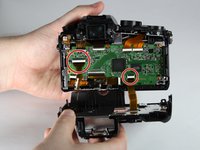
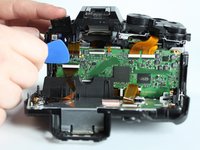
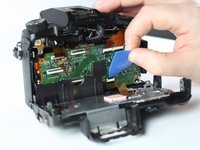
  6. Panasonic Lumix DMC-G7 Electronic Viewfinder Replacement: paso 6, imagen 1 de 3 Panasonic Lumix DMC-G7 Electronic Viewfinder Replacement: paso 6, imagen 2 de 3 Panasonic Lumix DMC-G7 Electronic Viewfinder Replacement: paso 6, imagen 3 de 3
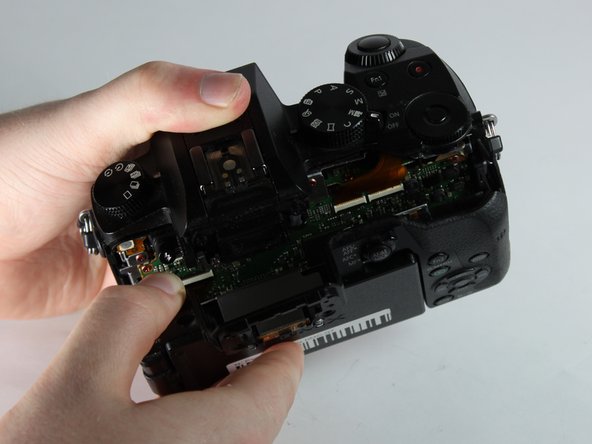
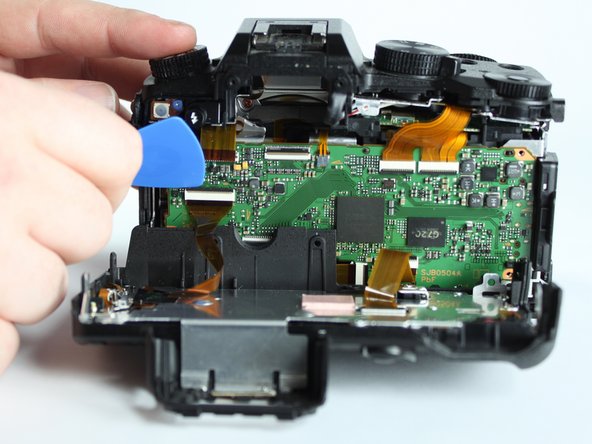
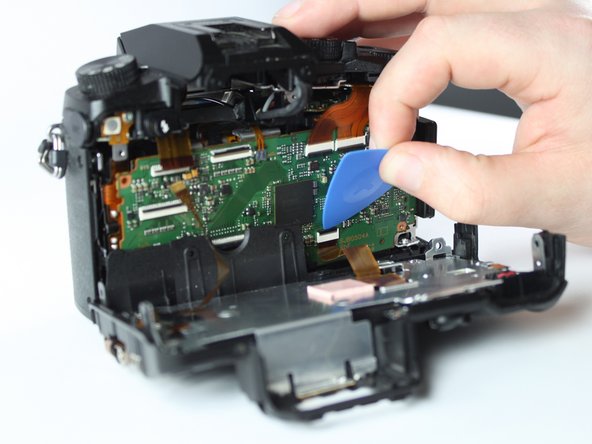
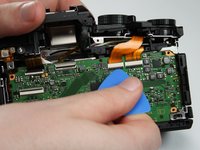
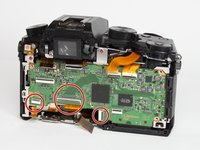
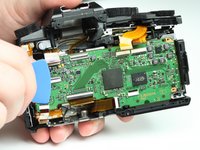
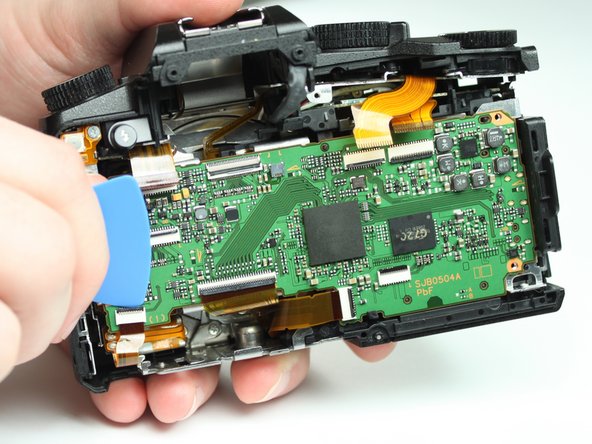
    • Remove the two indicated ribbon cables before separating the two halves of the camera.

    • Using a flat object, pry open the black tabs above the ribbon cable connectors by gently pulling away from the motherboard.

    • An opening pick is recommended, but any equally small and flat object will work.

    • Ribbon cables are fragile, so put as little stress on them as possible.

    Pregunta a FixBot

    Agregar Comentario

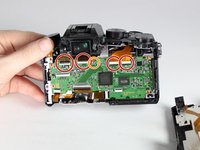
  7. Panasonic Lumix DMC-G7 Electronic Viewfinder Replacement: paso 7, imagen 1 de 2 Panasonic Lumix DMC-G7 Electronic Viewfinder Replacement: paso 7, imagen 2 de 2
    • Remove the 4 indicated flex cables from top of mainboard

    • Remove the indicated small flex cable from top of mainboard.

    • The small flex cable does not have a lock: simply pull to disconnect it.

    Pregunta a FixBot

    Agregar Comentario

  8. Panasonic Lumix DMC-G7 Electronic Viewfinder Replacement: paso 8, imagen 1 de 2 Panasonic Lumix DMC-G7 Electronic Viewfinder Replacement: paso 8, imagen 2 de 2
    • Remove the 3 indicated flex cables from the bottom of the mainboard.

    Pregunta a FixBot

    Agregar Comentario

  9. Panasonic Lumix DMC-G7 Electronic Viewfinder Replacement: paso 9, imagen 1 de 3 Panasonic Lumix DMC-G7 Electronic Viewfinder Replacement: paso 9, imagen 2 de 3 Panasonic Lumix DMC-G7 Electronic Viewfinder Replacement: paso 9, imagen 3 de 3
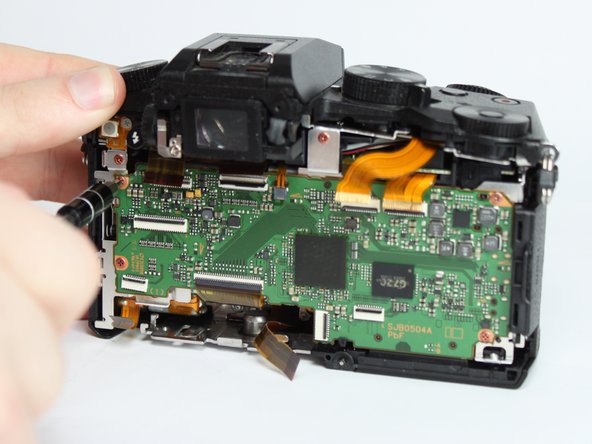
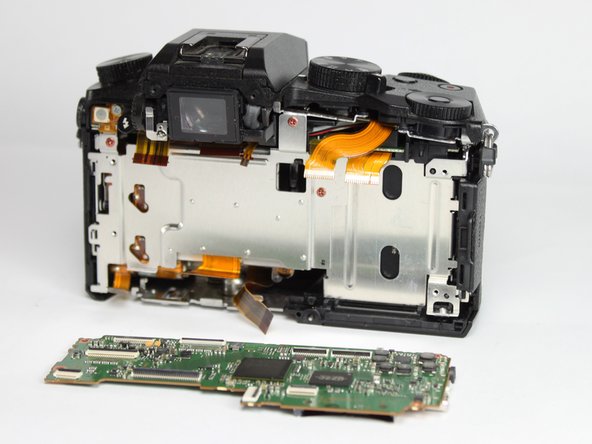
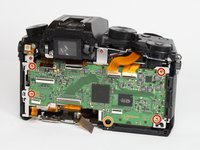
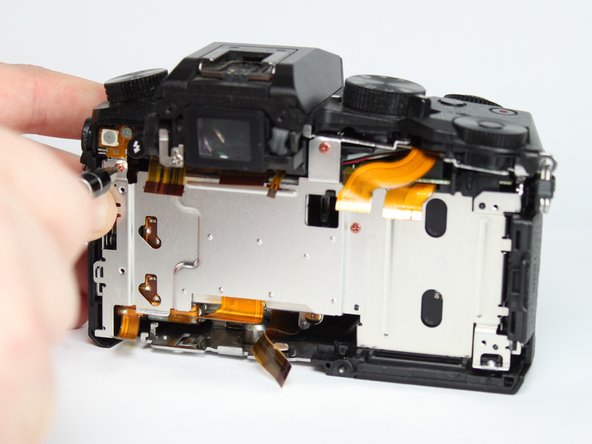
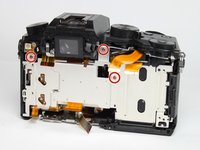
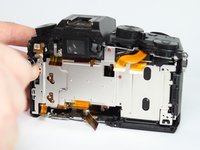
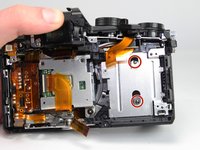
    • Remove the 4 indicated red 3.0mm long screws from the corners of mainboard using a Phillips PH0 screwdriver.

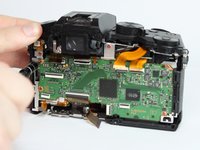
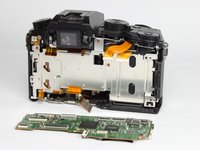
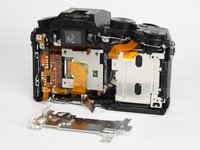
    • With the eyepiece facing away from you, pull up on the main PCB from the left side and then pull it away from the chassis.

    • There is a plastic locking tab on the bottom of the camera that holds the mainboard PCB.

    • A replacement mainboard can be purchased from AliExpress here

    Pregunta a FixBot

    Agregar Comentario

  10. Panasonic Lumix DMC-G7 Electronic Viewfinder Replacement, Electronic Viewfinder: paso 10, imagen 1 de 3 Panasonic Lumix DMC-G7 Electronic Viewfinder Replacement, Electronic Viewfinder: paso 10, imagen 2 de 3 Panasonic Lumix DMC-G7 Electronic Viewfinder Replacement, Electronic Viewfinder: paso 10, imagen 3 de 3
    • Remove the three indicated red 3.0mm screws from heat sink shield using a Phillips PH0 screwdriver, then remove the heat sink.

    Pregunta a FixBot

    Agregar Comentario

  11. Panasonic Lumix DMC-G7 Electronic Viewfinder Replacement: paso 11, imagen 1 de 2 Panasonic Lumix DMC-G7 Electronic Viewfinder Replacement: paso 11, imagen 2 de 2
    • Use a Phillips PH0 screwdriver to remove the two indicated black 6.0mm long screws from top of camera, underneath the flash mechanism.

    • Remove the indicated black 4.0mm long screw from the top of the camera.

    Pregunta a FixBot

    Agregar Comentario

  12. Panasonic Lumix DMC-G7 Electronic Viewfinder Replacement: paso 12, imagen 1 de 2 Panasonic Lumix DMC-G7 Electronic Viewfinder Replacement: paso 12, imagen 2 de 2
    • Remove the three indicated silver 5.0mm long screws from the back of the camera and the right side using a Phillips PH0 screwdriver.

    • The two screws on the back require a very thin screwdriver as they are only accessible through the holes on the back shield.

    Pregunta a FixBot

    Agregar Comentario

  13. Panasonic Lumix DMC-G7 Electronic Viewfinder Replacement: paso 13, imagen 1 de 3 Panasonic Lumix DMC-G7 Electronic Viewfinder Replacement: paso 13, imagen 2 de 3 Panasonic Lumix DMC-G7 Electronic Viewfinder Replacement: paso 13, imagen 3 de 3
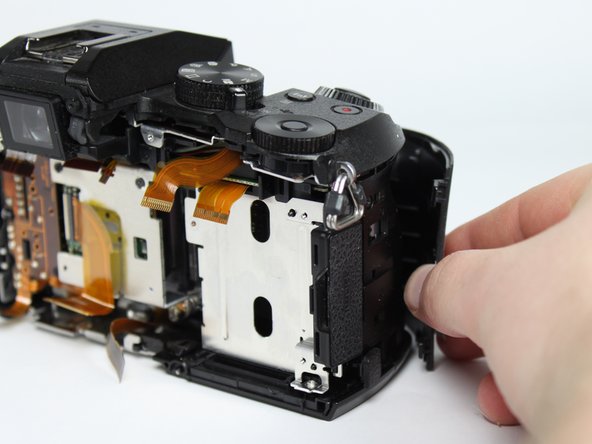
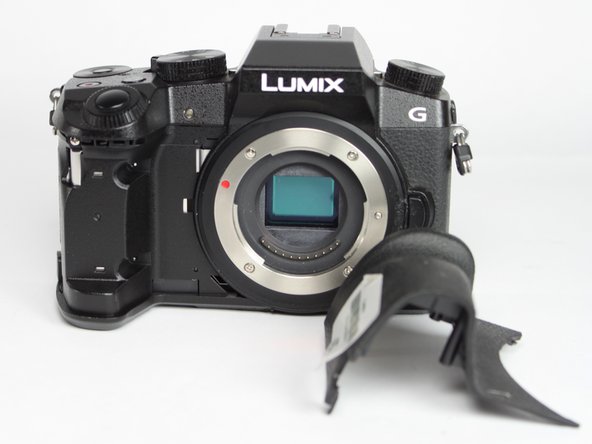
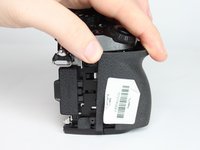
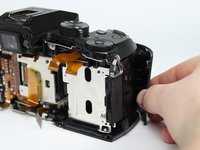
    • Remove the front grip from the camera by pulling it forward and out.

    Pregunta a FixBot

    Agregar Comentario

  14. Panasonic Lumix DMC-G7 Electronic Viewfinder Replacement: paso 14, imagen 1 de 2 Panasonic Lumix DMC-G7 Electronic Viewfinder Replacement: paso 14, imagen 2 de 2
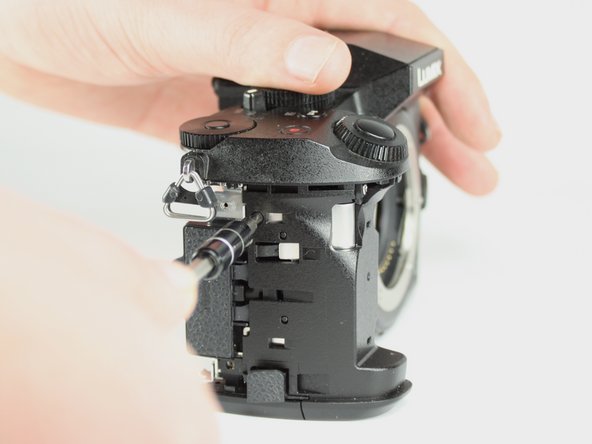
    • Remove the indicated black 4.0mm long screw from the side under the front cover using a Phillips PH0 screwdriver.

    Pregunta a FixBot

    Agregar Comentario

  15. Panasonic Lumix DMC-G7 Electronic Viewfinder Replacement: paso 15, imagen 1 de 2 Panasonic Lumix DMC-G7 Electronic Viewfinder Replacement: paso 15, imagen 2 de 2
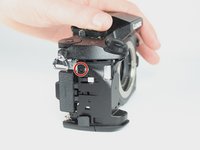
    • Remove the indicated silver 5.0mm long screw from under the front cover using a Phillips PH0 screwdriver.

    Pregunta a FixBot

    Agregar Comentario

  16. Panasonic Lumix DMC-G7 Electronic Viewfinder Replacement: paso 16, imagen 1 de 3 Panasonic Lumix DMC-G7 Electronic Viewfinder Replacement: paso 16, imagen 2 de 3 Panasonic Lumix DMC-G7 Electronic Viewfinder Replacement: paso 16, imagen 3 de 3
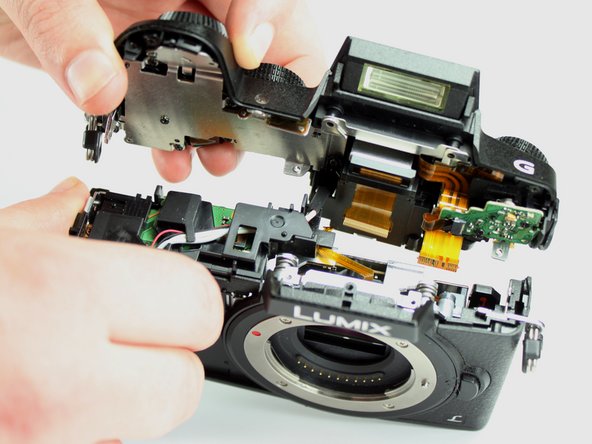
    • Lift the top unit away, separating it from the rest of the unit.

    Pregunta a FixBot

    Agregar Comentario

  17. Panasonic Lumix DMC-G7 Electronic Viewfinder Replacement: paso 17, imagen 1 de 3 Panasonic Lumix DMC-G7 Electronic Viewfinder Replacement: paso 17, imagen 2 de 3 Panasonic Lumix DMC-G7 Electronic Viewfinder Replacement: paso 17, imagen 3 de 3
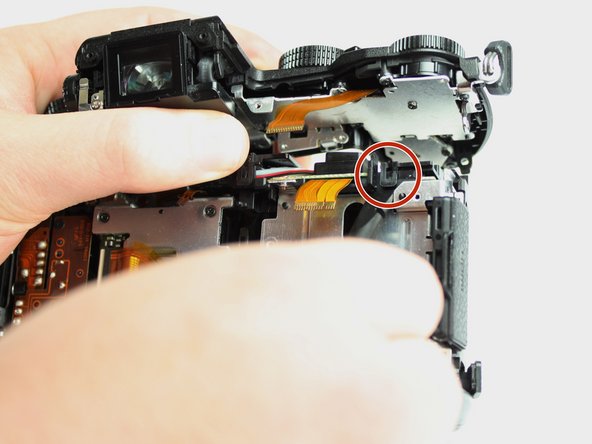
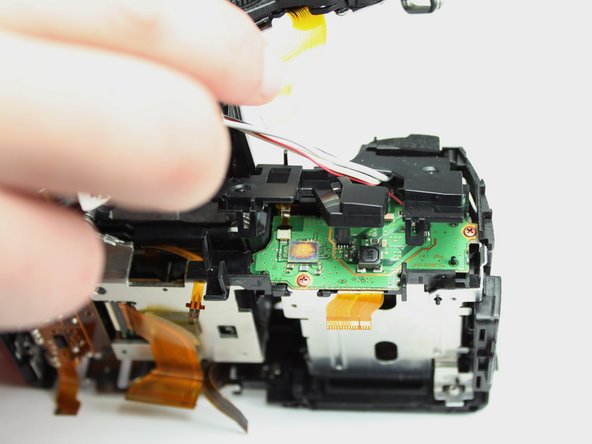
    • Pull the top panel away from the rest of the camera to reveal the flash wire and plastic cover.

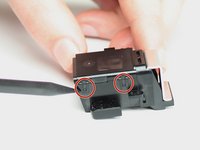
    • Use a spudger (or other small prying tool) to release the locking tab on the plastic cover.

    • Pull the flash wire out under the plastic capacitor PCB cover. At the same time lift the cover away.

    Pregunta a FixBot

    Agregar Comentario

  18. Panasonic Lumix DMC-G7 Electronic Viewfinder Replacement: paso 18, imagen 1 de 2 Panasonic Lumix DMC-G7 Electronic Viewfinder Replacement: paso 18, imagen 2 de 2
    • Remove the two indicated black 6.0mm long screws next to the viewfinder unit using a Phillips PH0 screwdriver.

    Pregunta a FixBot

    Agregar Comentario

  19. Panasonic Lumix DMC-G7 Electronic Viewfinder Replacement: paso 19, imagen 1 de 3 Panasonic Lumix DMC-G7 Electronic Viewfinder Replacement: paso 19, imagen 2 de 3 Panasonic Lumix DMC-G7 Electronic Viewfinder Replacement: paso 19, imagen 3 de 3
    • Pull the viewfinder unit away from the camera top.

    Pregunta a FixBot

    Agregar Comentario

  20. Panasonic Lumix DMC-G7 Electronic Viewfinder Replacement: paso 20, imagen 1 de 3 Panasonic Lumix DMC-G7 Electronic Viewfinder Replacement: paso 20, imagen 2 de 3 Panasonic Lumix DMC-G7 Electronic Viewfinder Replacement: paso 20, imagen 3 de 3
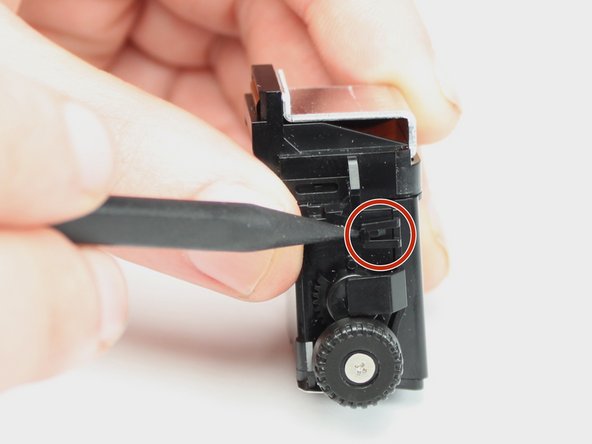
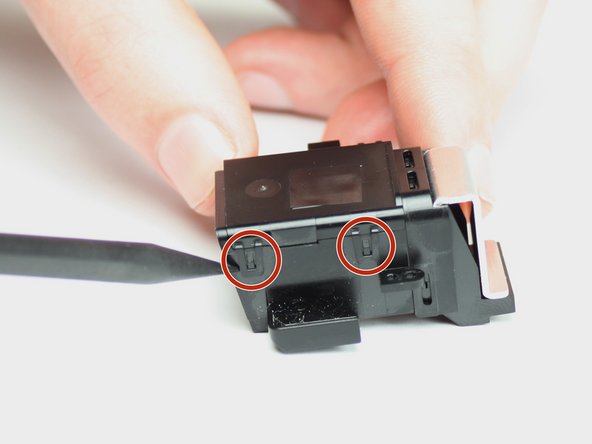
    • Disconnect the four indicated locking tabs and remove the LVF module from the mounting unit using a spudger (or other small prying tool).

    Pregunta a FixBot

    Agregar Comentario

Conclusión

To reassemble your device, follow these instructions in reverse order.

Cancelar: No complete esta guía.

0Guía Comentarios

Agregar Comentario

Ver Estadísticas:

Ultimas 24 horas: 2

Ultimos 7 días: 13

Ultimos 30 días: 59

Todo El Tiempo: 3,164