Saltar al contenido principal
Únete a la Comunidad de Reparación - Crear Cuenta

Mitsubishi Diamondpoint NXM76LCD Display Replacement

Qué necesitas

  1. Mitsubishi Diamondpoint NXM76LCD  Display  Replacement, Removing the stand.: paso 1, imagen 1 de 3 Mitsubishi Diamondpoint NXM76LCD  Display  Replacement, Removing the stand.: paso 1, imagen 2 de 3 Mitsubishi Diamondpoint NXM76LCD  Display  Replacement, Removing the stand.: paso 1, imagen 3 de 3
    • Lift the black cover off.

    • Remove all 4 Phillips #2 screws.

  2. Mitsubishi Diamondpoint NXM76LCD  Display  Replacement, Remove the 5 screws: paso 2, imagen 1 de 1
    • Remove the two 24mm Phillips #2 screws.

    • Remove the three 8mm Phillips #2 screws.

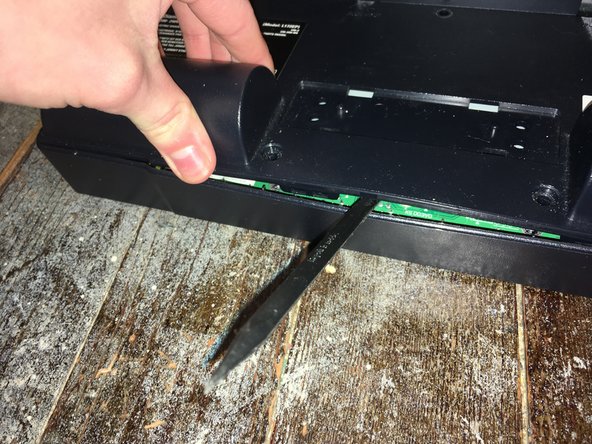
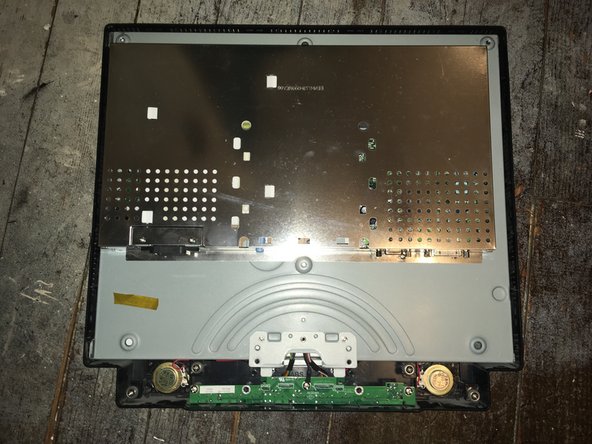
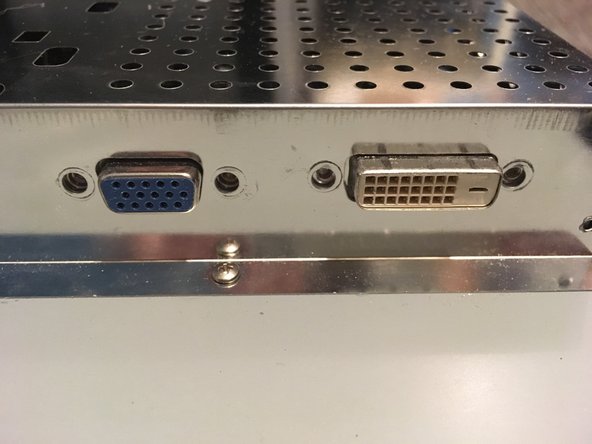
  3. Mitsubishi Diamondpoint NXM76LCD  Display  Replacement, Remove the back panel: paso 3, imagen 1 de 3 Mitsubishi Diamondpoint NXM76LCD  Display  Replacement, Remove the back panel: paso 3, imagen 2 de 3 Mitsubishi Diamondpoint NXM76LCD  Display  Replacement, Remove the back panel: paso 3, imagen 3 de 3
    • Lift the back and pry the back off.

    • The panel is held in with clips on the side. It needs a lot of force the take it off.

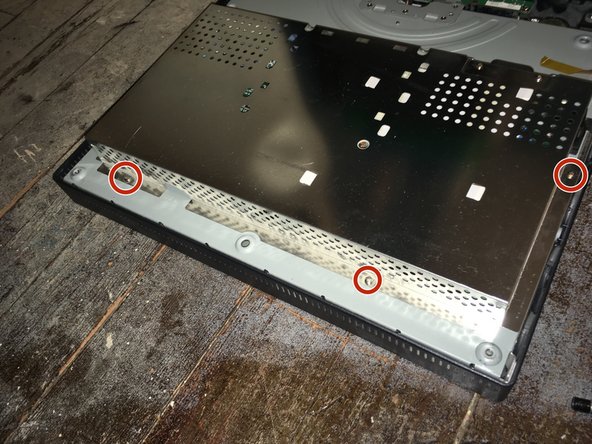
  4. Mitsubishi Diamondpoint NXM76LCD  Display  Replacement, Remove the four screws: paso 4, imagen 1 de 2 Mitsubishi Diamondpoint NXM76LCD  Display  Replacement, Remove the four screws: paso 4, imagen 2 de 2
    • Remove the four 5mm nut screws.

  5. Mitsubishi Diamondpoint NXM76LCD  Display  Replacement, Remove the 5 screws: paso 5, imagen 1 de 2 Mitsubishi Diamondpoint NXM76LCD  Display  Replacement, Remove the 5 screws: paso 5, imagen 2 de 2
    • Remove the seven Phillips #1 screws.

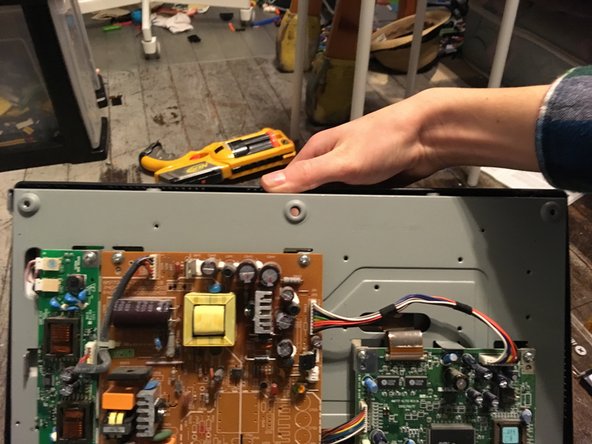
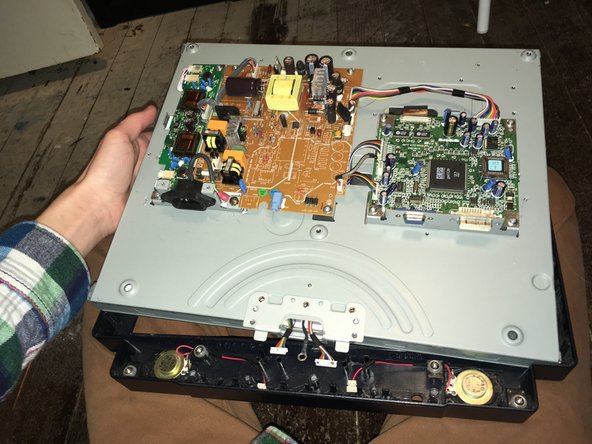
  6. Mitsubishi Diamondpoint NXM76LCD  Display  Replacement, Remove the front panel: paso 6, imagen 1 de 2 Mitsubishi Diamondpoint NXM76LCD  Display  Replacement, Remove the front panel: paso 6, imagen 2 de 2
    • Remove the three Phillips #2 screws.

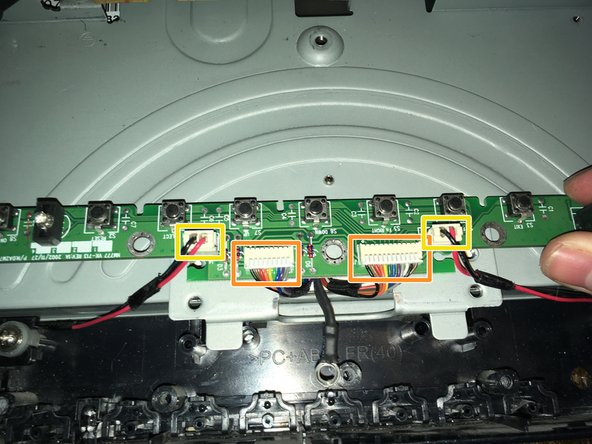
    • Remove the two data/power cables.

    • Remove the two speaker cables.

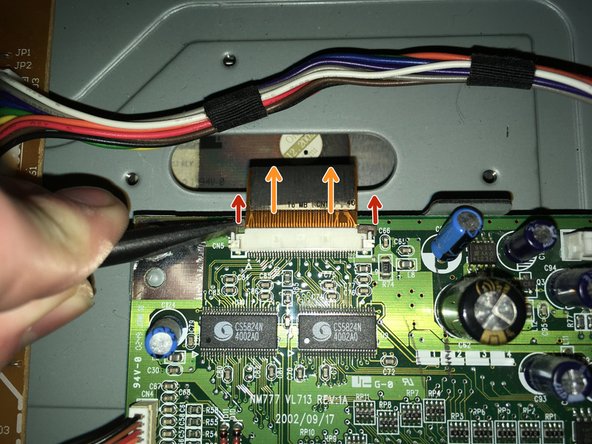
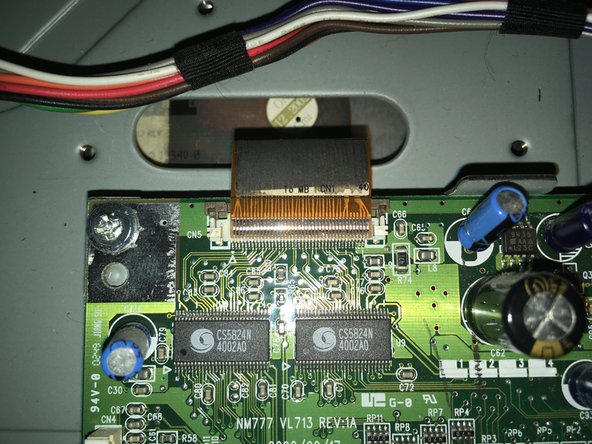
  7. Mitsubishi Diamondpoint NXM76LCD  Display  Replacement, Remove the display cable: paso 7, imagen 1 de 3 Mitsubishi Diamondpoint NXM76LCD  Display  Replacement, Remove the display cable: paso 7, imagen 2 de 3 Mitsubishi Diamondpoint NXM76LCD  Display  Replacement, Remove the display cable: paso 7, imagen 3 de 3
    • Pull the two tabs.

    • Pull the connector off.

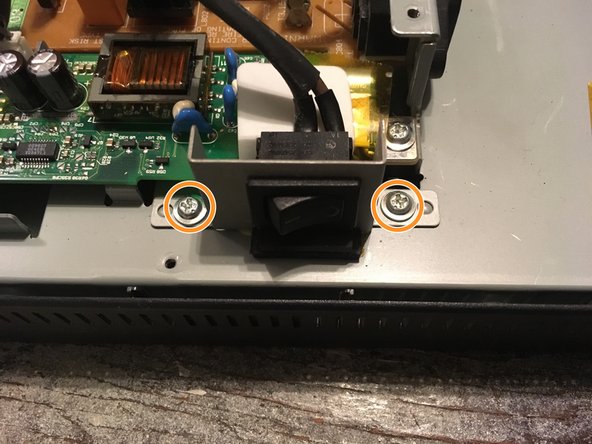
  8. Mitsubishi Diamondpoint NXM76LCD  Display  Replacement, Remove the power switch: paso 8, imagen 1 de 2 Mitsubishi Diamondpoint NXM76LCD  Display  Replacement, Remove the power switch: paso 8, imagen 2 de 2
    • Remove the switch cable off.

    • Remove the two Phillips #2 screws.

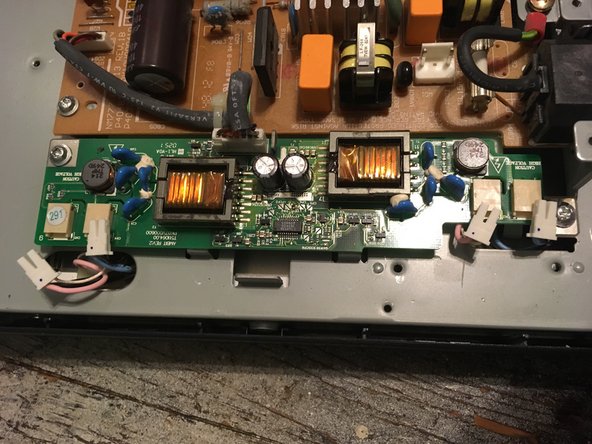
  9. Mitsubishi Diamondpoint NXM76LCD  Display  Replacement, Remove the display power: paso 9, imagen 1 de 2 Mitsubishi Diamondpoint NXM76LCD  Display  Replacement, Remove the display power: paso 9, imagen 2 de 2
    • Remove the four display power cables.

    • These cables are interchangeable.

  10. Mitsubishi Diamondpoint NXM76LCD  Display  Replacement, Lift the display out: paso 10, imagen 1 de 3 Mitsubishi Diamondpoint NXM76LCD  Display  Replacement, Lift the display out: paso 10, imagen 2 de 3 Mitsubishi Diamondpoint NXM76LCD  Display  Replacement, Lift the display out: paso 10, imagen 3 de 3
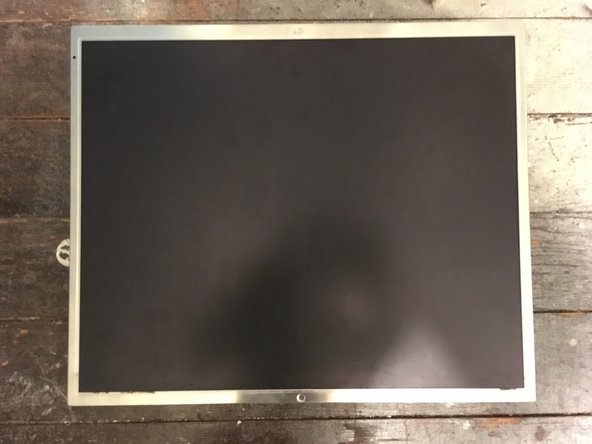
    • Lift the display out.

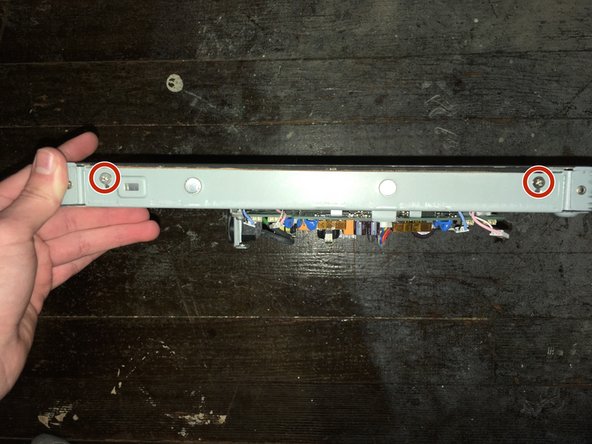
  11. Mitsubishi Diamondpoint NXM76LCD  Display  Replacement, Remove the four screws: paso 11, imagen 1 de 2 Mitsubishi Diamondpoint NXM76LCD  Display  Replacement, Remove the four screws: paso 11, imagen 2 de 2
    • Remove the four Phillips #2 screws.

    • These screws release the display from its enclosure. Hold the screen when removing these screws.

  12. Mitsubishi Diamondpoint NXM76LCD  Display  Replacement: paso 12, imagen 1 de 2 Mitsubishi Diamondpoint NXM76LCD  Display  Replacement: paso 12, imagen 2 de 2
    • Remember to plug in all the cables on the display.

Conclusión

To reassemble your device, follow these instructions in reverse order.

2 personas más completaron esta guía.

Padraic Hoselton

Miembro Desde 08/22/17

4,369 Reputación

12 Guías creadas

0Guía Comentarios

Agregar Comentario

Ver Estadísticas:

Ultimas 24 horas: 2

Ultimos 7 días: 6

Ultimos 30 días: 17

Todo El Tiempo: 405