Introducción
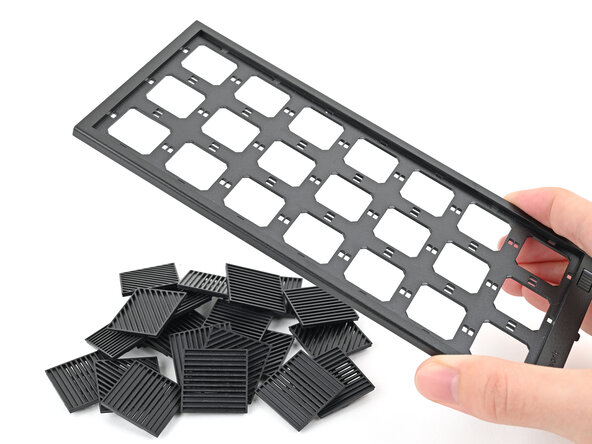
This guide shows how to install and remove the Tiles on your Framework Desktop.
The Tiles are mainly for decoration; they aren't necessary for your desktop to function.
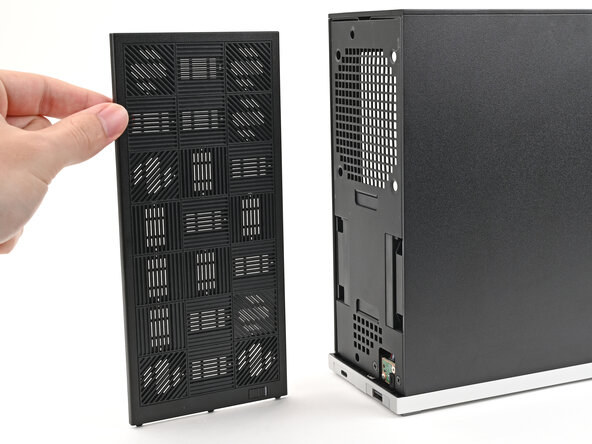
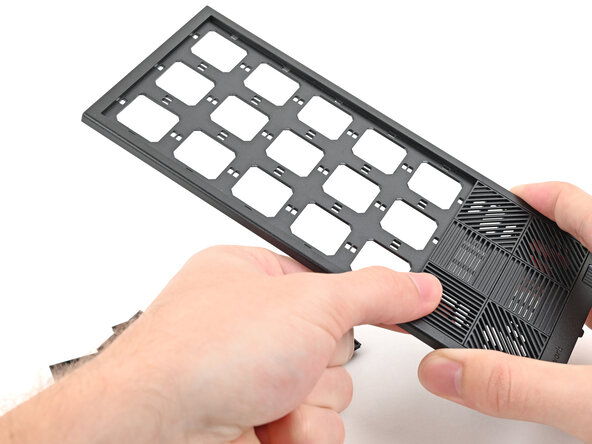
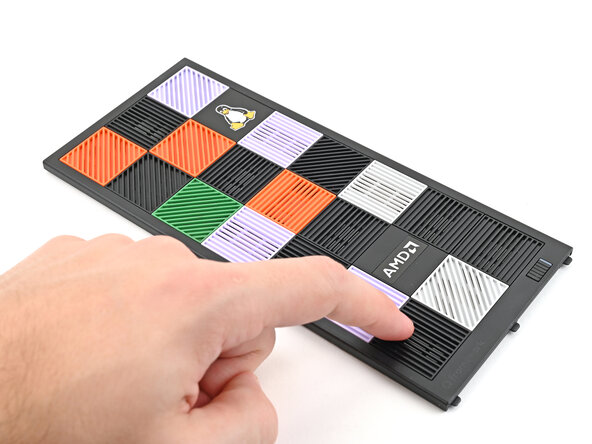
The Front Panel can support up to 21 tiles.
Qué necesitas
-
-
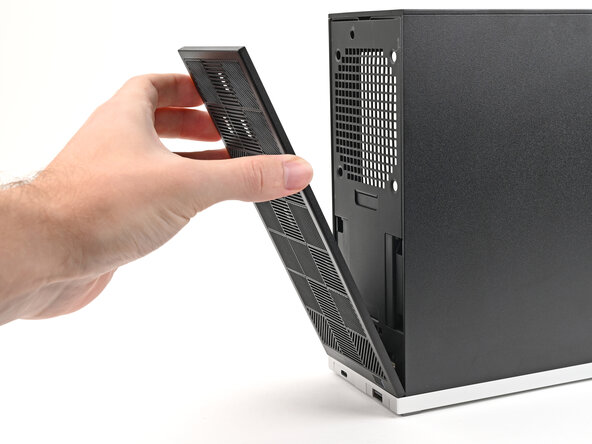
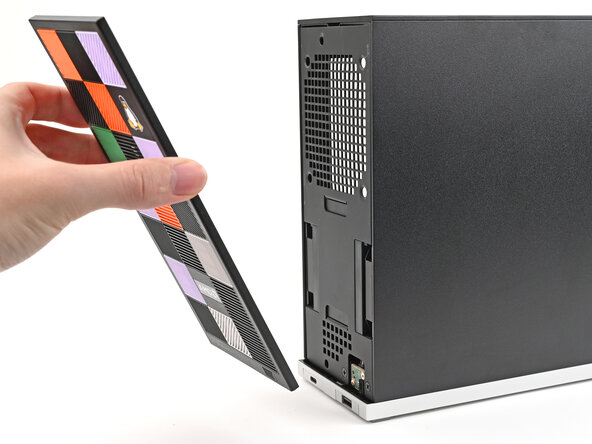
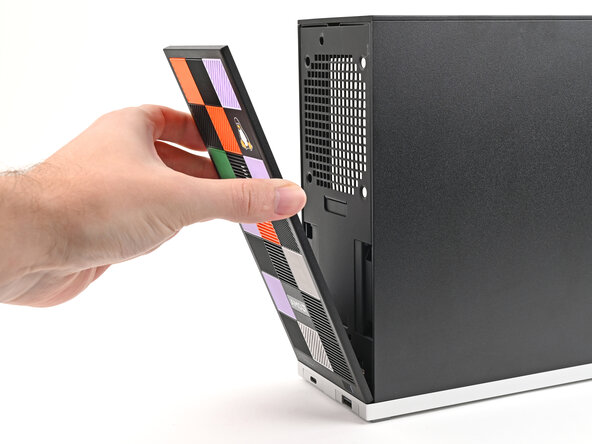
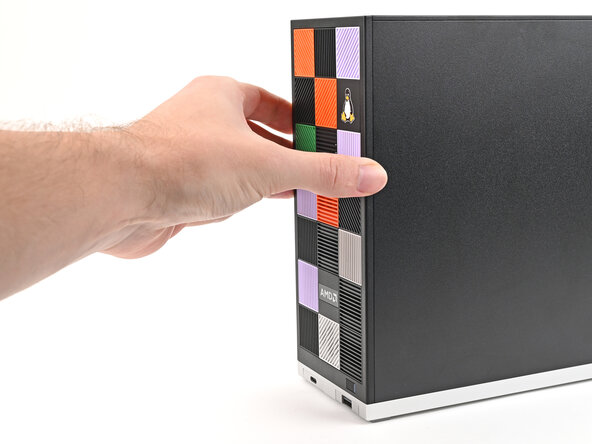
Use your fingers to pull the Front Panel off the magnets securing it to the chassis.
-
-
-
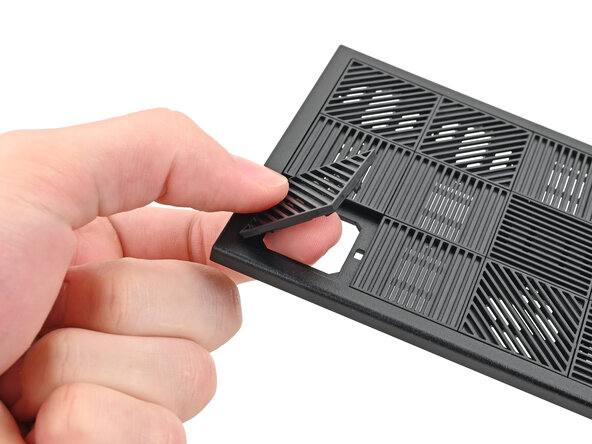
Use your fingers to push the bottom of the Tile up and off the front panel and release its clips.
-
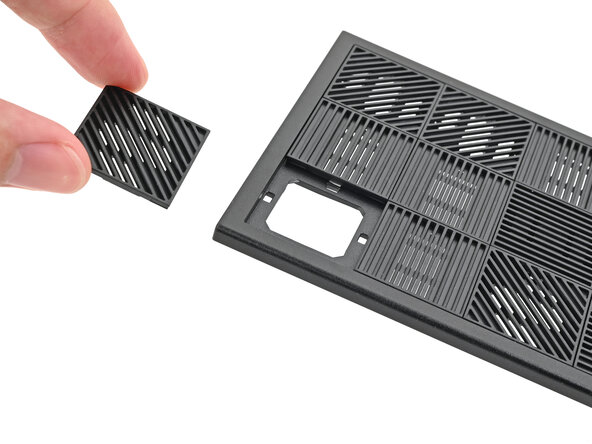
Remove the Tile.
-
-
-
-
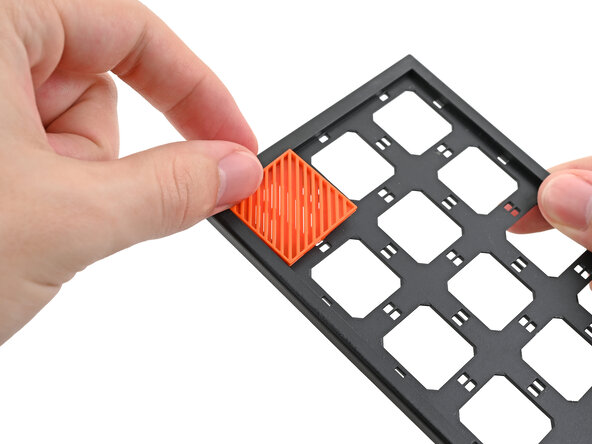
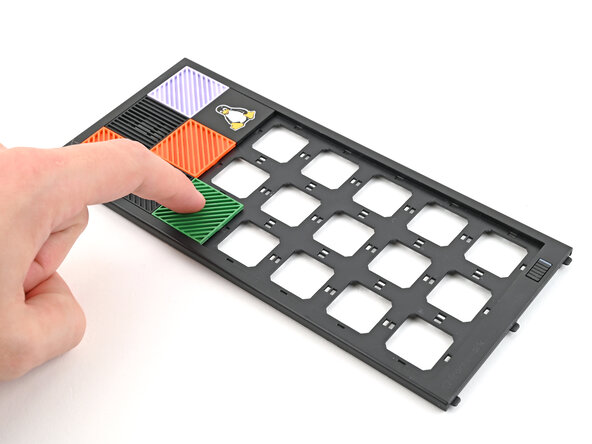
Lay a Tile over an open slot on your Front Panel.
-
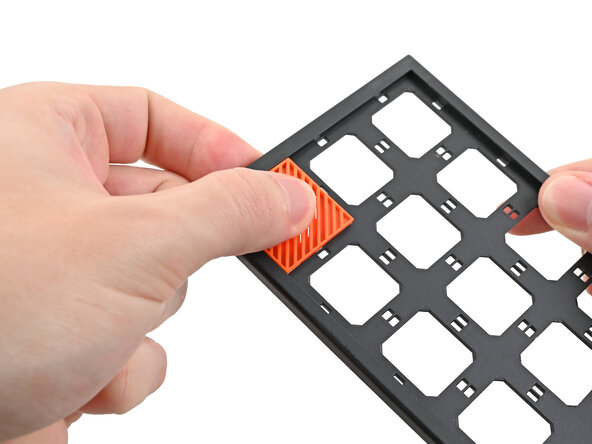
Use your fingers to press the tile into the slot and engage the clips.
-












Conclusión
If you need help, contact Framework support.


