Introducción
Estos pasos le mostrarán cómo reemplazar correctamente el disco duro en su computadora de escritorio Apple G5.
Qué necesitas


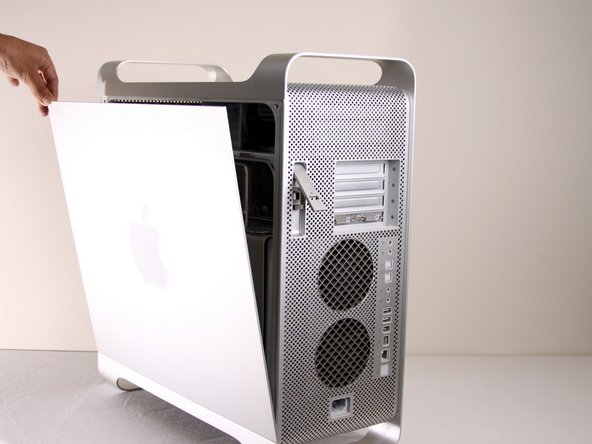


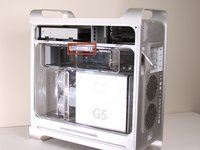
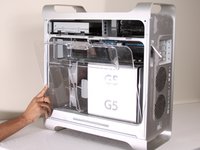
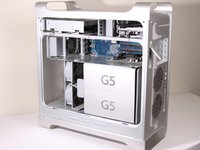


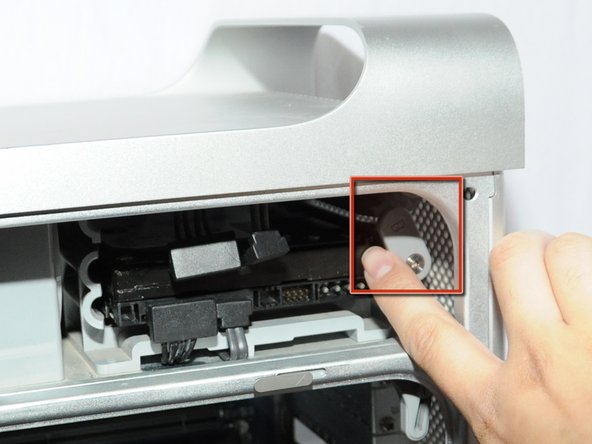

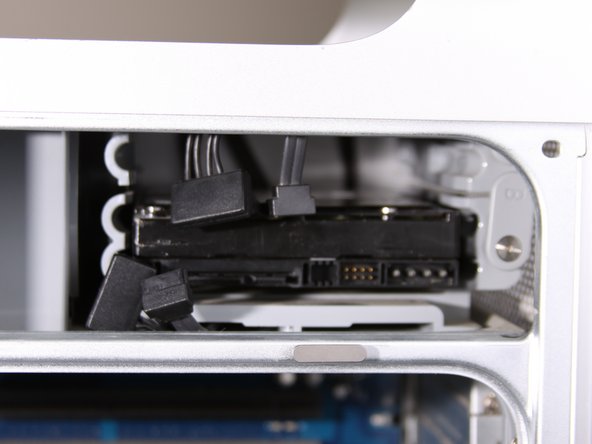
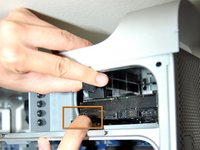
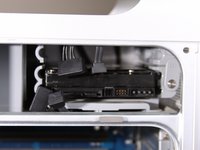

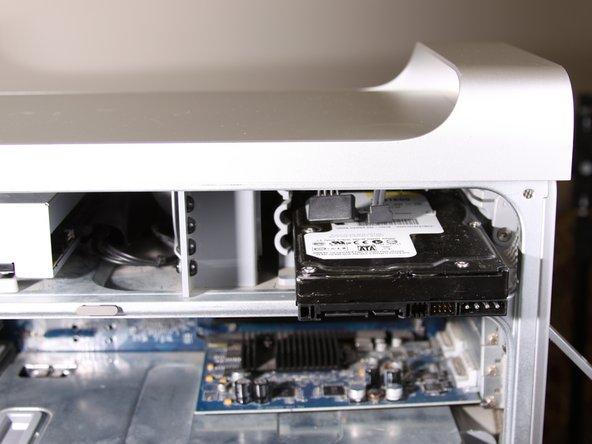
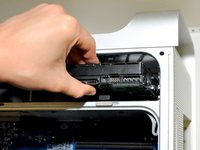


Para volver a ensamblar el dispositivo, siga estas instrucciones en orden inverso.
Cancelar: No complete esta guía.
102 personas más completaron esta guía.
Un agradecimiento especial a estos traductores:
100%

¡ Angel nos está ayudando a reparar el mundo! ¿Quieres contribuir?
Empezar a traducir ›

Equipo

Cal Poly, Team 5-8, Forte Winter 2010 Miembro de Cal Poly, Team 5-8, Forte Winter 2010
CPSU-FORTE-W10S5G8
Miembros de 7
30 Guías creadas
8Guía Comentarios
The Comments appended to these instructions are VERY helpful. If you read them you will save time, and avoid some of the mistakes I made - particularly with respect to the Drive mounting screws located to the left side of the drive installation bays, and the need to remove the bottom drive FIRST if you wish to access the top drive. THANKS for a great set of instructions.
This was helpful! Excellent photographs and clear, simple instructions. Thanks, Jessica and iFixit!
I used these instructions to remove an additional hard drive while leaving the original hard drive in place. I did not know which one to remove, as the hard drives do not have side labels, so I guessed: the original drive was on top, the additional drive on the bottom. It might be helpful for other viewers to know what to do in a similar situation.
Cheers.
