Saltar al contenido principal

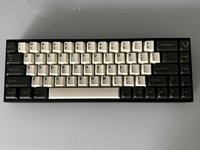
Tofu65 Keyboard PCB Replacement

Qué necesitas

  1. Tofu65 Keyboard PCB Replacement, Keyboard PCB: paso 1, imagen 1 de 1
    • Unplug the power cord.

  2. Tofu65 Keyboard PCB Replacement: paso 2, imagen 1 de 1
    • Use a keycap puller to remove the keycaps from the keyboard.

    • Be sure to pull straight up when removing the keycaps to avoid damaging the key switches.

  3. Tofu65 Keyboard PCB Replacement: paso 3, imagen 1 de 1
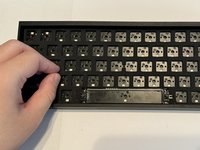
    • Use the switch puller to pinch the switch on the two pins to release the switch from the PCB.

    • Pull straight up when removing the switch. It should not take much force to pull them out.

  4. Tofu65 Keyboard PCB Replacement: paso 4, imagen 1 de 2 Tofu65 Keyboard PCB Replacement: paso 4, imagen 2 de 2
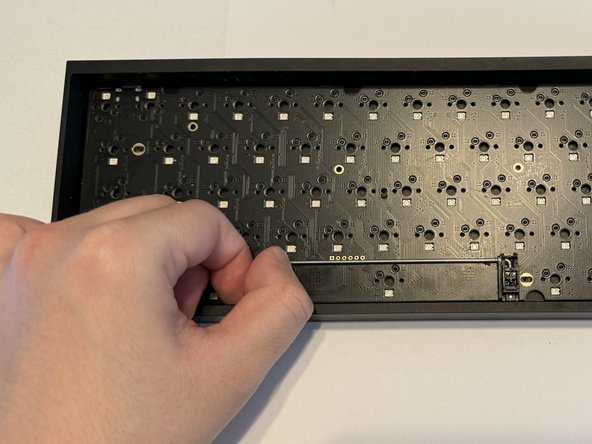
    • Remove the plastic cover that protects the PCB.

  5. Tofu65 Keyboard PCB Replacement: paso 5, imagen 1 de 2 Tofu65 Keyboard PCB Replacement: paso 5, imagen 2 de 2
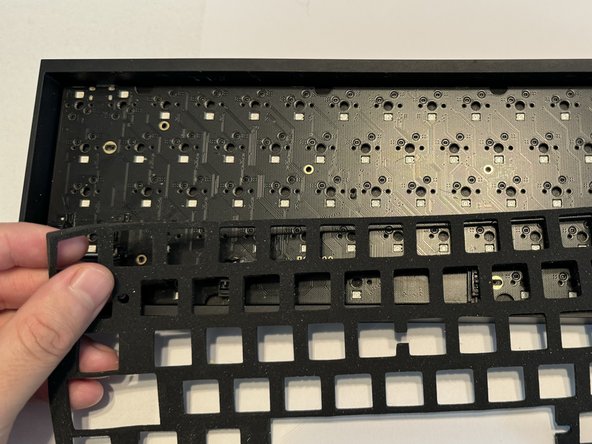
    • Gently remove the foam layer protecting the PCB.

  6. Tofu65 Keyboard PCB Replacement: paso 6, imagen 1 de 3 Tofu65 Keyboard PCB Replacement: paso 6, imagen 2 de 3 Tofu65 Keyboard PCB Replacement: paso 6, imagen 3 de 3
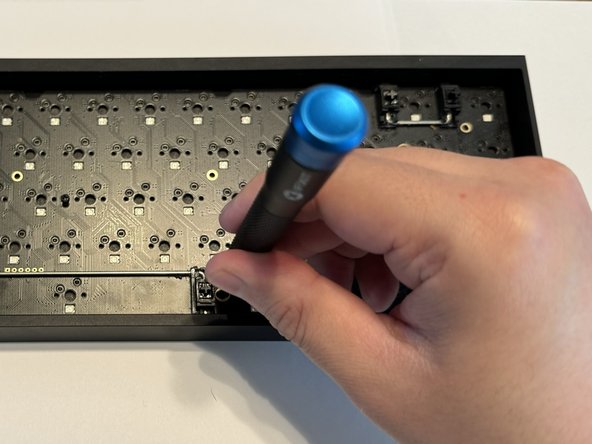
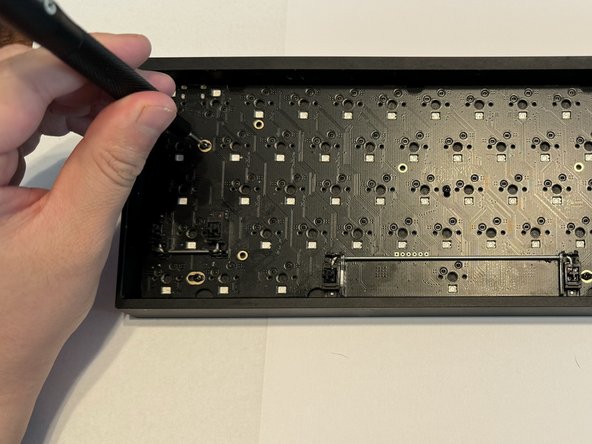
    • Use a Phillips #000 screwdriver to remove the six 5 mm screws keeping the PCB in place.

  7. Tofu65 Keyboard PCB Replacement: paso 7, imagen 1 de 2 Tofu65 Keyboard PCB Replacement: paso 7, imagen 2 de 2
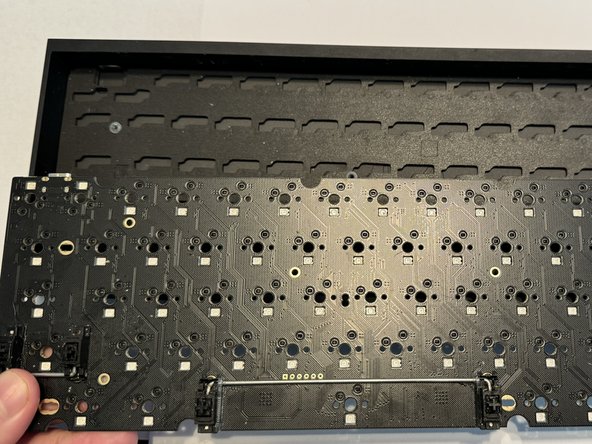
    • Remove the old PCB from the bottom case.

  8. Tofu65 Keyboard PCB Replacement: paso 8, imagen 1 de 2 Tofu65 Keyboard PCB Replacement: paso 8, imagen 2 de 2
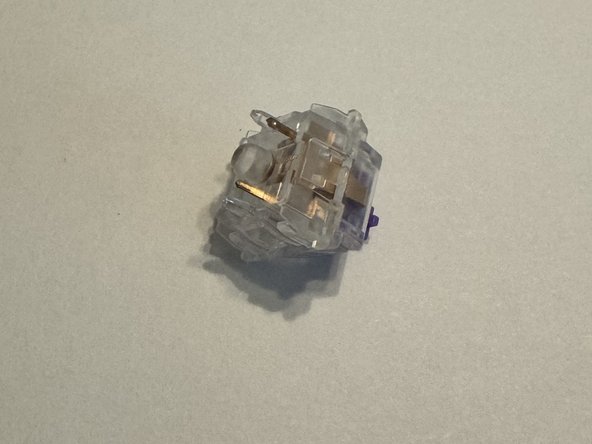
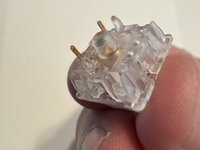
    • Ensure your keyboard switches are in good condition and the golden pins are not bent.

    • If the pins are bent, carefully bend them so they are straight or replace them with new switches.

  9. Tofu65 Keyboard PCB Replacement: paso 9, imagen 1 de 3 Tofu65 Keyboard PCB Replacement: paso 9, imagen 2 de 3 Tofu65 Keyboard PCB Replacement: paso 9, imagen 3 de 3
    • Replace your PCB.

    • Place the foam and plastic plate cover back.

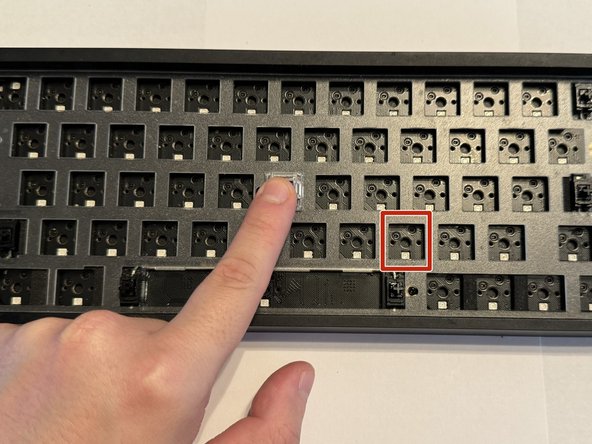
    • Line up the key switch pins with the sockets on the PCB before installing them.

    • Install the keyboard switches and apply a small amount of force to ensure they make contact with the PCB.

  10. Tofu65 Keyboard PCB Replacement: paso 10, imagen 1 de 2 Tofu65 Keyboard PCB Replacement: paso 10, imagen 2 de 2
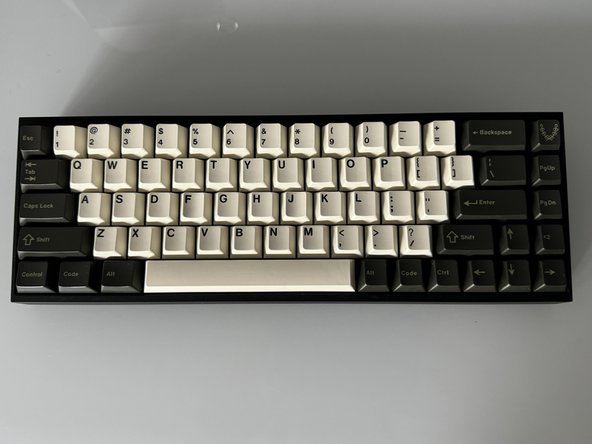
    • Replace each keycaps onto the appropriate switch.

    • Press down firmly on each to ensure they are making contact.

Linea de Meta

Una persona más ha completado esta guía.

Daniel Payan

Miembro Desde 03/05/24

202 Reputación

1 Guía escrita

Equipo

0Guía Comentarios

Agregar Comentario

Ver Estadísticas:

Ultimas 24 horas: 3

Ultimos 7 días: 16

Ultimos 30 días: 60

Todo El Tiempo: 795