Saltar al contenido principal
Únete a la Comunidad de Reparación - Crear Cuenta

Sony PlayStation Camera Microphone Array Replacement

Qué necesitas

  1. Sony PlayStation Camera Microphone Array Replacement, Microphone Array: paso 1, imagen 1 de 2 Sony PlayStation Camera Microphone Array Replacement, Microphone Array: paso 1, imagen 2 de 2
    • Separate the camera from the camera stand to gain access to the bottom of the camera.

    Pregunta a FixBot
  2. Sony PlayStation Camera Microphone Array Replacement: paso 2, imagen 1 de 2 Sony PlayStation Camera Microphone Array Replacement: paso 2, imagen 2 de 2
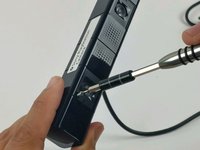
    • With the PH000 sized screwdriver, remove the two 6.5mm Phillips #000 screws located under the stand connection point, where the cable enters the case.

    Pregunta a FixBot
  3. Sony PlayStation Camera Microphone Array Replacement: paso 3, imagen 1 de 1
    Herramienta utilizada en este paso:
    Tweezers
    $4.99
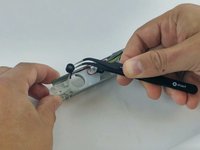
    • Using tweezers, remove the cap holding the cable grommet in place.

    Pregunta a FixBot
  4. Sony PlayStation Camera Microphone Array Replacement: paso 4, imagen 1 de 1
    • Using the tweezers, remove both poly-carbonate lens coverplates.

    • Lift the coverplates slowly, to ensure they do not crack, or break.

    Pregunta a FixBot
  5. Sony PlayStation Camera Microphone Array Replacement: paso 5, imagen 1 de 2 Sony PlayStation Camera Microphone Array Replacement: paso 5, imagen 2 de 2
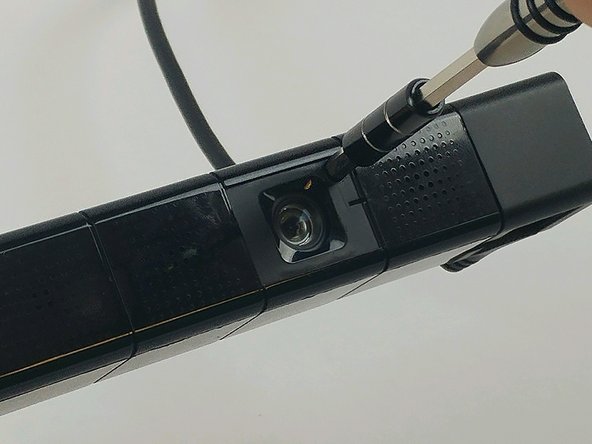
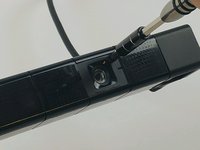
    • Using the PH0 sized screwdriver, remove two 3.2mm Phillips #0 screws, located under the coverplates.

    Pregunta a FixBot
  6. Sony PlayStation Camera Microphone Array Replacement: paso 6, imagen 1 de 1
    • Using extreme care, separate the front of the case, from the back with a metal spudger, or pry tool. The case will scratch easily.

    • The case joints can be hard to spot. They appear as a very fine line in the plastic. Start with light pressure until the seam parts, allowing the pry tool to work.

    Pregunta a FixBot
  7. Sony PlayStation Camera Microphone Array Replacement: paso 7, imagen 1 de 2 Sony PlayStation Camera Microphone Array Replacement: paso 7, imagen 2 de 2
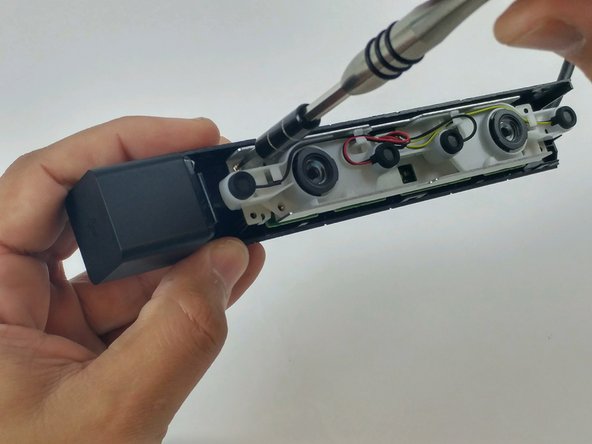
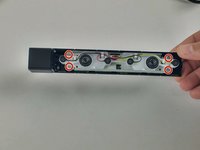
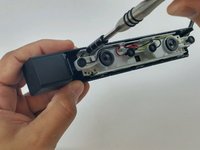
    • Using the PH0 sized screwdriver, remove the four 4.5mm Phillips #0 screws securing the circuit assembly to the device housing.

    Pregunta a FixBot
  8. Sony PlayStation Camera Microphone Array Replacement: paso 8, imagen 1 de 3 Sony PlayStation Camera Microphone Array Replacement: paso 8, imagen 2 de 3 Sony PlayStation Camera Microphone Array Replacement: paso 8, imagen 3 de 3
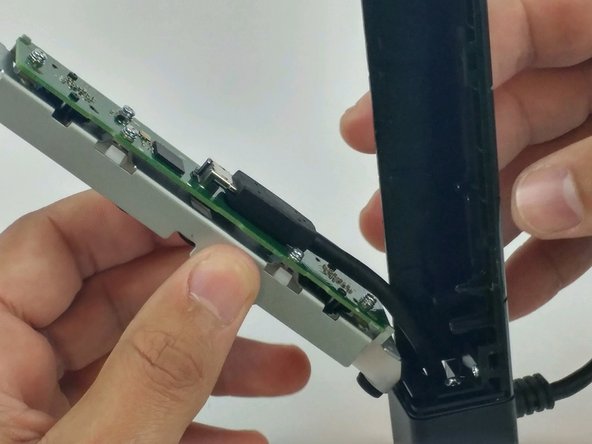
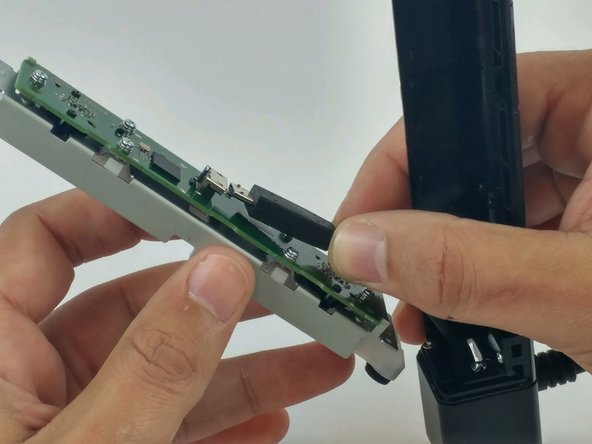
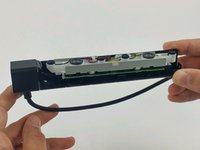
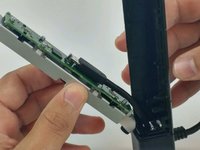
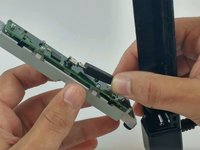
    • Lift the motherboard and frame from the plastic housing.

    • Disconnect the camera cable from the motherboard.

    Pregunta a FixBot
  9. Sony PlayStation Camera Microphone Array Replacement: paso 9, imagen 1 de 2 Sony PlayStation Camera Microphone Array Replacement: paso 9, imagen 2 de 2
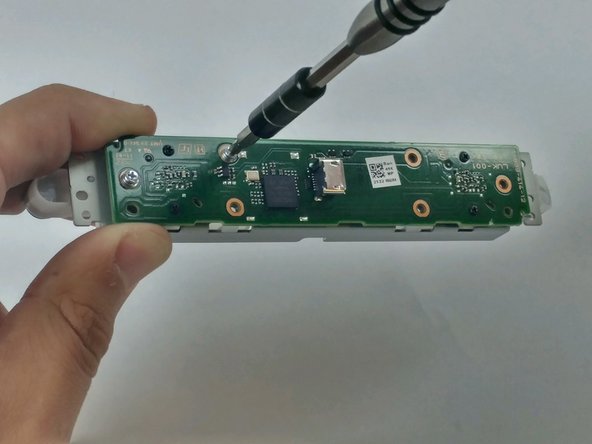
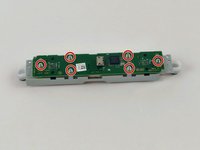
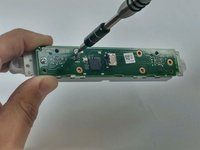
    • Using the PH0 sized screwdriver, remove the six 4.2mm Phillips #0 screws securing the motherboard to the metal frame.

    Pregunta a FixBot
  10. Sony PlayStation Camera Microphone Array Replacement: paso 10, imagen 1 de 2 Sony PlayStation Camera Microphone Array Replacement: paso 10, imagen 2 de 2
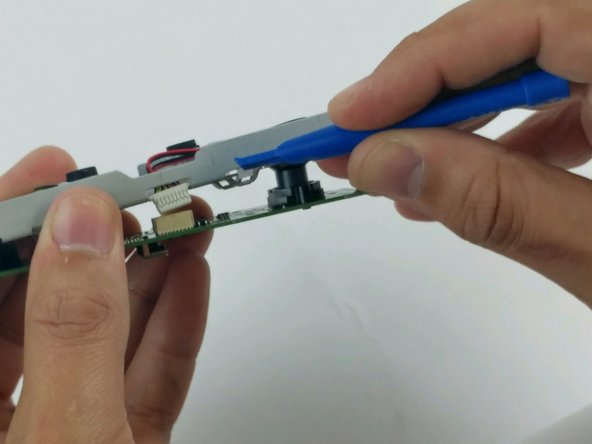
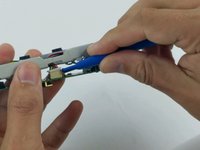
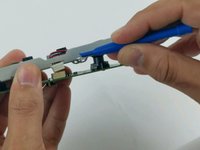
    • Using a plastic opening tool, disconnect the microphone array connector from the motherboard.

    Pregunta a FixBot
  11. Sony PlayStation Camera Microphone Array Replacement: paso 11, imagen 1 de 3 Sony PlayStation Camera Microphone Array Replacement: paso 11, imagen 2 de 3 Sony PlayStation Camera Microphone Array Replacement: paso 11, imagen 3 de 3
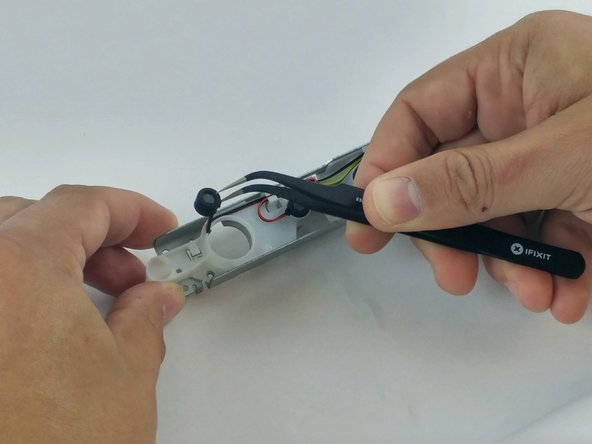
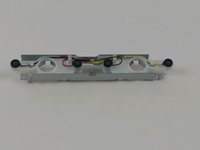
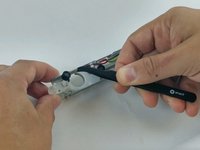
    • Using fine point tweezers, grab hold of each microphone, one at a time, and lift from the plastic frame.

    • Using care to not damage the wires, remove microphone array from the retaining tabs on the plastic frame.

    Pregunta a FixBot
Conclusión

To reassemble your device, follow these instructions in reverse order.

Una persona más ha completado esta guía.

Joshua Gates

Miembro Desde 02/15/17

268 Reputación

2 Guías creadas

Equipo

USF Tampa, Team 5-5, Passmore Spring 2017 Miembro de USF Tampa, Team 5-5, Passmore Spring 2017

USFT-PASSMORE-S17S5G5

Miembros de 3

4 Guías creadas

0Guía Comentarios

Agregar Comentario

Ver Estadísticas:

Ultimas 24 horas: 2

Ultimos 7 días: 12

Ultimos 30 días: 91

Todo El Tiempo: 7,693