Introducción
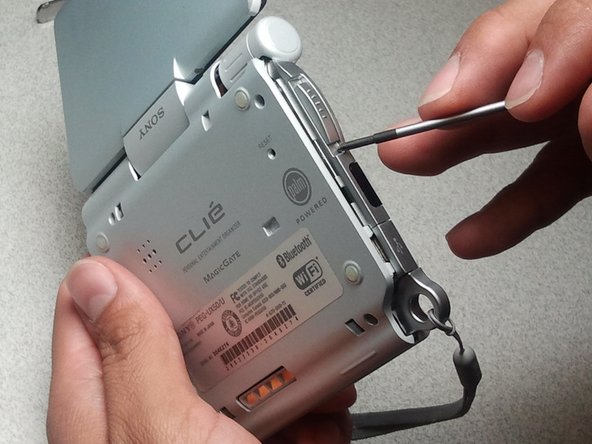
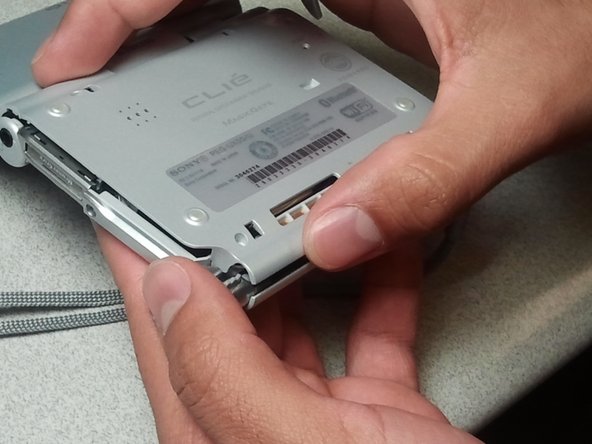
Rear Cover Removal allows the inside of the Clie to be exposed for further replacement of internal components
Qué necesitas




Casi Terminas!
To reassemble your device, follow these instructions in reverse order.
Conclusión
To reassemble your device, follow these instructions in reverse order.



Equipo

CSU Los Angeles, Team 1-4, Nelson Spring 2011 Miembro de CSU Los Angeles, Team 1-4, Nelson Spring 2011
CSULA-NELSON-S11S1G4
5 Miembros
2 Guías creadas
