
Samsung Galaxy J7 V Power Button Replacement

Última actualización: 21 de jun. de 2024
Vistas: 4.9 k
Ver estadísticas:
- Últimas 24 horas:
- 5
- Últimos 7 días:
- 36
- Últimos 30 días:
- 127
- Todo El Tiempo:
- 4,948
Comentarios: 2
1 comentario sobre los pasos, 1 comentario sobre la guía.
Ir a los comentarios de la guíaCompletado: 3 4
3 personas han marcado esta guía como "completada". ¿Serás tú la próxima persona en hacerlo?
4 persona acaba de marcar esta guía como "completada". ¡Incluyéndote, excelente trabajo!
Favoritos: 1 2
1 persona ha marcado como "Favorita" y se ha suscrito a esta guía. ¿Serás tú la próxima persona en hacerlo?
2 personas marcaron como favorita (y se suscribieron) esta guía, ¡incluyéndote a ti!
Necesita mejores imágenes
Mejores fotos mejorarán esta guía. Ayuda tomando, editando o subiendo nuevas imágenes!
Necesita más imágenes
Unas imágenes más harían que los procedimientos de esta guía sean claros.
Pasos faltantes
¡Vaya! Parece que a esta guía le faltan uno o más pasos importantes.
Herramientas Incorrectas
Ayuda a mejorar esta guía usando las herramientas correctas en imágenes y/o texto.
Rebanar y Trocear
Los pasos de esta guía deben ser divididos y convertidos en una serie de guías de prerrequisitos.
Fotos de acción
Sé un héroe de acción! Esta guía necesita imágenes que demuestren mejor cómo llevar a cabo acciones específicas.
Introducción
Ir al paso 1 ↓Having trouble with your Samsung Galaxy J7 V Power Button? With this guide, you can learn how to replace the power button and continue using your phone for years to come.
The power button is a critical part of a mobile phone, as it allows you to turn on and off the display of the phone. If the button begins sticking or not working properly, it can cause the display on the phone to not turn on, or other similar issues. It is critical to fix this issue so that you can continue using your phone.
Before starting, if possible, power off your phone completely and disconnect from any external power source.
Follow the steps below with care, precision, and a little bit of patience, and you will have your Samsung Galaxy J7 Phone working properly again!
Qué necesitas
Partes
Herramientas


-
-
-
Insert a Jimmy tool under one of the corners of the display and gently raise the display.
 Pregunta a FixBot
-
-
-
Gently slide the Jimmy tool around the entire perimeter of the phone.
-
-
-
-
-
Locate the socket of the home button.
-
Fit the metal spudger in between the socket and the home button.
-
-
-
-
Take the metal spudger and slide it underneath the home button.
-
Lift up until the home button is removed from its socket.
-
-
-
-
-
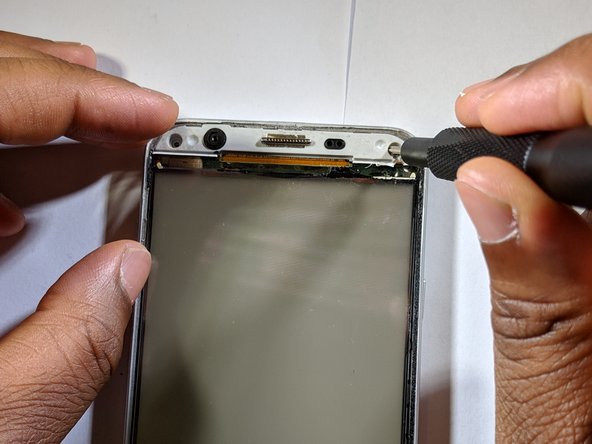
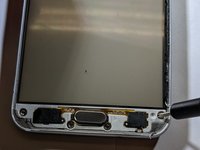
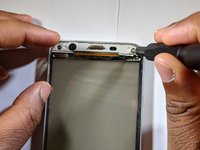
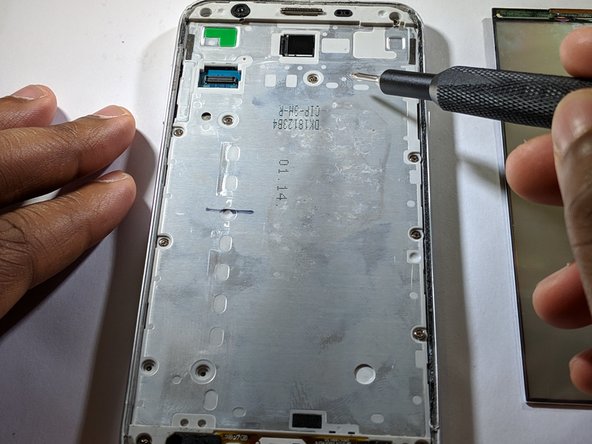
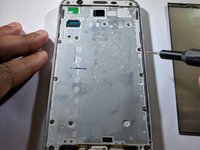
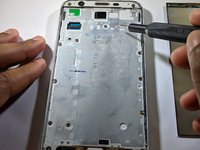
Remove the screws around the home button and the screws above.
-
-
-
Use the pointed end of the spudger to push down the button hold, then the volume button can be removed by pushing it down.
-
-
-
-
-
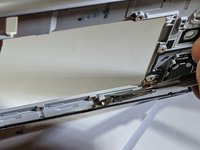
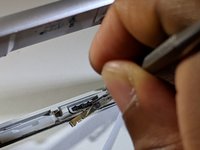
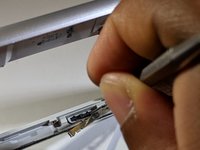
Use the metal spudger tool to lift the metal bar holding the button in place.
-
-
-
Use the metal spudger tool to push on the power button to remove it from the phone.
-
-






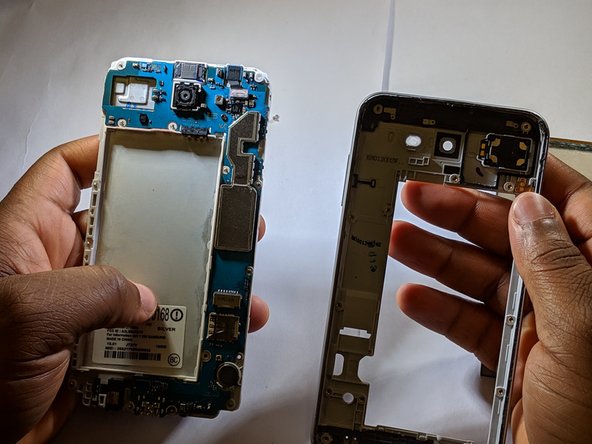
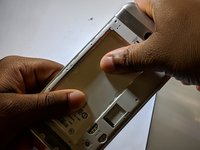
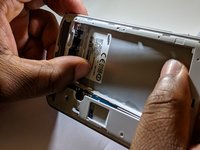
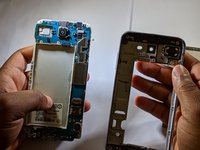

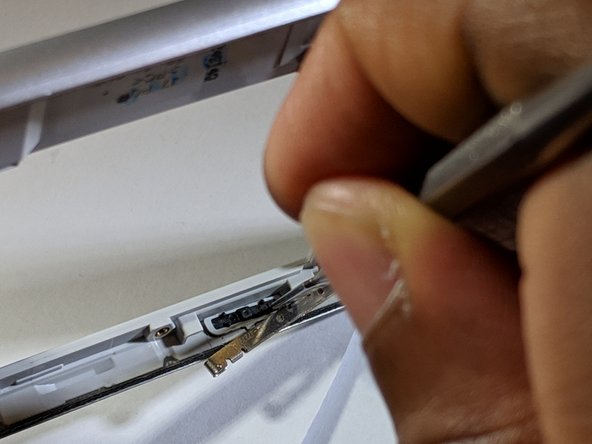
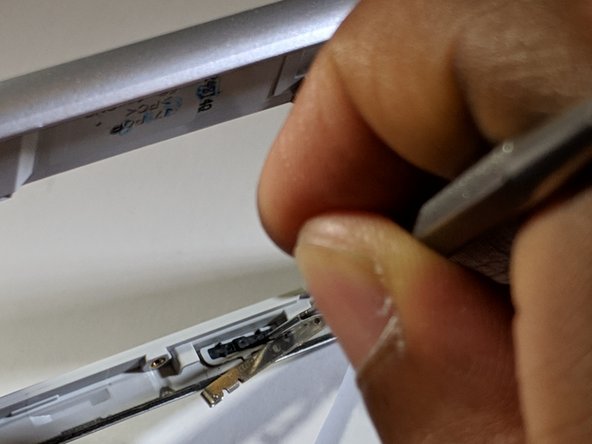


To reassemble your device, follow these instructions in reverse order. Please don't miss a screw!
Cancelar: No complete esta guía.
3 personas más completaron esta guía.

Equipo

Purdue University Northwest, Team S2-G2, Hingst Spring 2019 Miembro de Purdue University Northwest, Team S2-G2, Hingst Spring 2019
PNW-HINGST-S19S2G2
Miembros de 4
60 Guías creadas
1Guía Comentario
Abi benim power ve home tuşu çıkmıştı ya ona bir tane yapabilir misin takabilir misin Neredesiniz konumu at ben gelirim
