Introducción
Utilice esta guía para reemplazar/actualizar la RAM de su Power Mac G5.


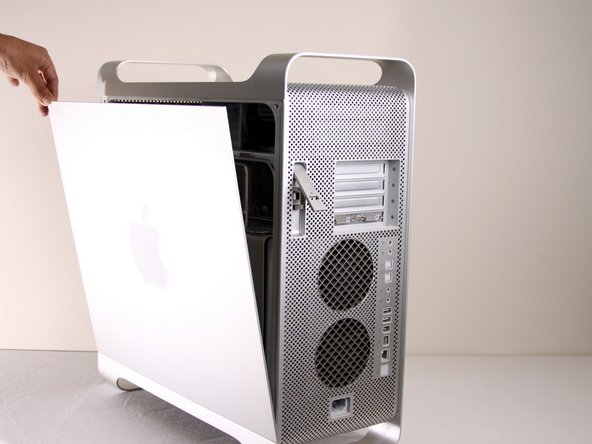


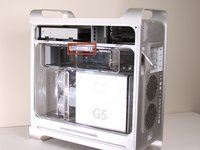
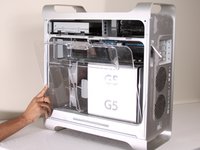
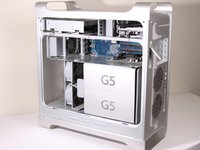


Para volver a ensamblar el dispositivo, siga estas instrucciones en orden inverso.
Cancelar: No complete esta guía.
61 personas más completaron esta guía.
Un agradecimiento especial a estos traductores:
100%

¡ Angel nos está ayudando a reparar el mundo! ¿Quieres contribuir?
Empezar a traducir ›



Equipo

Cal Poly, Team 5-8, Forte Winter 2010 Miembro de Cal Poly, Team 5-8, Forte Winter 2010
CPSU-FORTE-W10S5G8
Miembros de 7
30 Guías creadas
2Guía Comentarios
Major thing to note, you must install RAM in pairs. You can't just install one card on the top and not one on the bottom. Pairs start from the center and move outwards.
Very helpful
