
Nvidia Shield Tablet Motherboard Replacement

Última actualización: 7 de mar. de 2024
Vistas: 11 k
Ver estadísticas:
- Últimas 24 horas:
- 3
- Últimos 7 días:
- 27
- Últimos 30 días:
- 111
- Todo El Tiempo:
- 10,668
Comentarios: 11
2 comentarios sobre los pasos, 9 comentarios sobre la guía.
Ir a los comentarios de la guíaCompletado: 6 7
6 personas han marcado esta guía como "completada". ¿Serás tú la próxima persona en hacerlo?
7 persona acaba de marcar esta guía como "completada". ¡Incluyéndote, excelente trabajo!
Favoritos: 2 3
2 personas han marcado como "Favorita" y se han suscrito a esta guía. ¿Serás tú la próxima persona en hacerlo?
3 personas marcaron como favorita (y se suscribieron) esta guía, ¡incluyéndote a ti!
Introducción
Ir al paso 1 ↓Use this guide to replace the motherboard in your Nvidia Shield Tablet.
Qué necesitas
Herramientas
-
-
Spudger4.9
-
-


-
-
Herramienta utilizada en este paso:Anti-Static Wrist Strap$7.95
-
Set the tablet so the buttons, microSD, and stylus port are facing you.
-
Open the microSD slot.
-
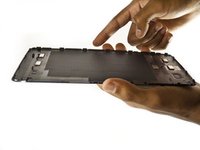
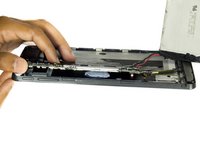
Using the flat end of the spudger tool, carefully pry open the case starting from the microSD slot, slowly sliding the spudger along the inside edge of the case.
-
-
-
As you remove your case, be aware of small clips along the edges.
-
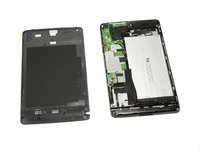
Finally, set the old casing aside.
-
-
-
-
Herramienta utilizada en este paso:Anti-Static Wrist Strap$7.95
-
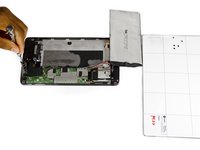
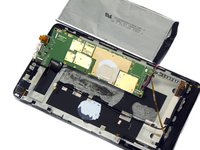
Carefully use the precision tweezers to unplug the ribbon cable.
-
-
-
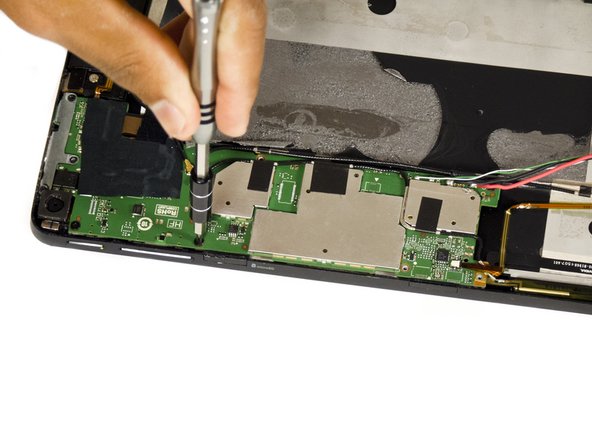
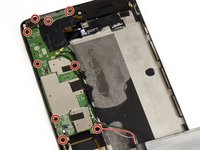
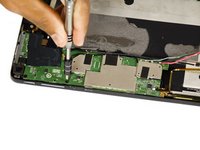
Remove the two 6.5 mm Phillips #00 screws and seven 3.0 mm Phillips #00 screws.
-
-
-
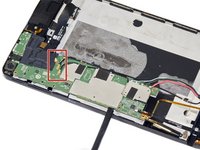
Use a pair of tweezers to disconnect the three black antenna cables from the motherboard.
-
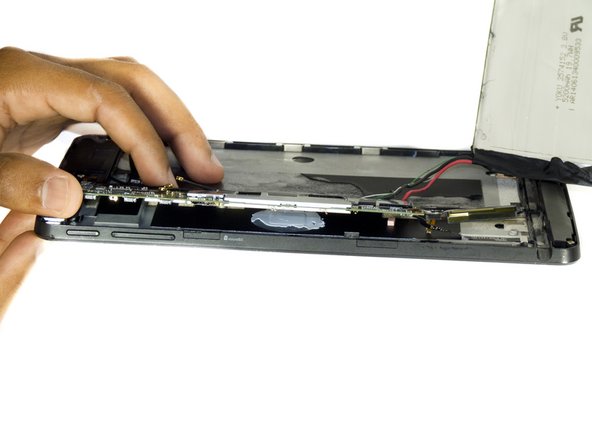
Use the flat end of the spudger tool to carefully pry up the motherboard.
-
-
-
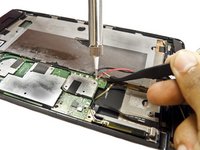
Desolder the positive and negative battery cables from the motherboard.
-
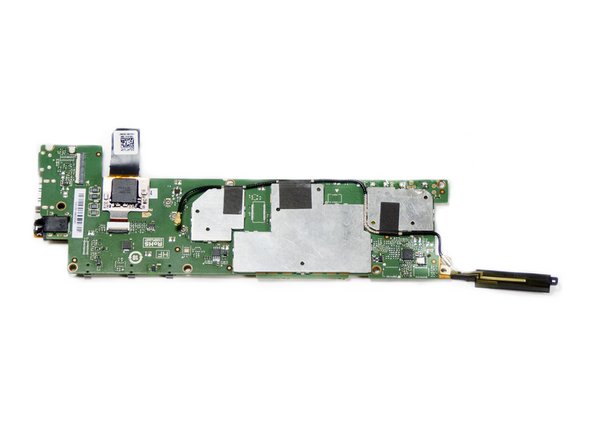
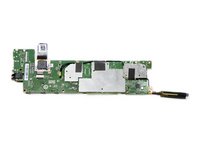
The motherboard should now come free.
-
-


 Pregunta a FixBot








To reassemble your device, follow these instructions in reverse order.
Cancelar: No complete esta guía.
6 personas más completaron esta guía.

Equipo

USF Tampa, Team 2-2, Blackwell Fall 2015 Miembro de USF Tampa, Team 2-2, Blackwell Fall 2015
USFT-BLACKWELL-F15S2G2
Miembros de 3
72 Guías creadas
9Guía Comentarios
Where do you obtain a new motherboard?
The real question is more about how to find a new shield tablet motherboard ??
where can i buy the motherboard
waar kan ik een nieuw shield moederbord kopen?
Hello, I'm looking for a description of the various ribbon connectors on the motherboard.
I'm also looking for a hint to solve a problem I have after replacing the screen+digitizer: the right side (half) of the touch screen does'n work.
