Introducción
In this guide, we will go over the steps to remove the motherboard from a Nikon Coolpix S800c.
Qué necesitas
-
-
Remove all 4 screws from the bottom face of the camera using a Phillips #00 head screwdriver (found in iFixit tool kit).
-
-
-
Unscrew all 6 visible screws that secure the motherboard into place using a Phillips head screwdriver (found in iFixit tool kit).
-
-


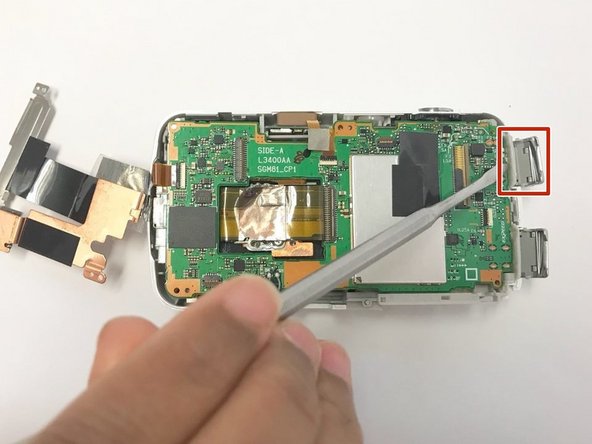
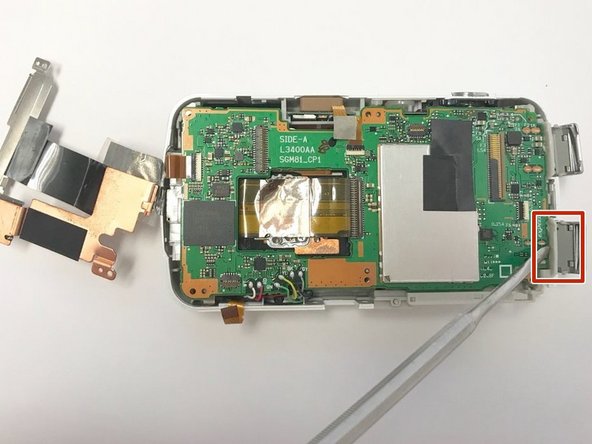
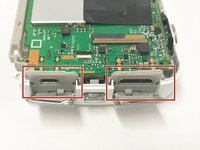
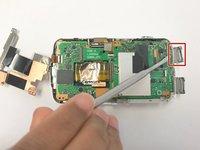
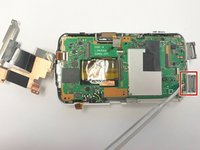

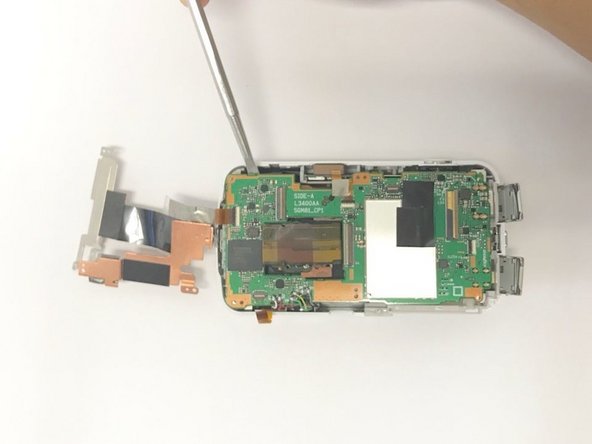
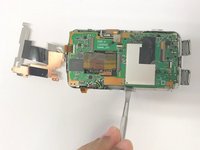
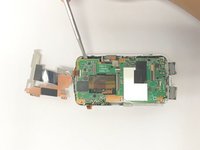


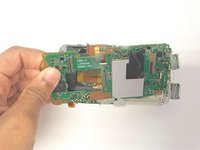
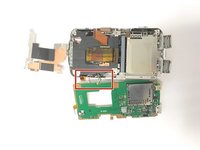
Soldered wires attaching the motherboard to the camera body will need to be disconnected at the motherboard-end and the new wires on the replacement motherboard will need to be soldered on. To reassemble your device, follow these instructions in reverse order.



Equipo

Baylor, Team S2-G6, Johnson Spring 2018 Miembro de Baylor, Team S2-G6, Johnson Spring 2018
BU-JOHNSON-S18S2G6
Miembros de 3
10 Guías creadas
