Saltar al contenido principal
Únete a la Comunidad de Reparación - Crear Cuenta

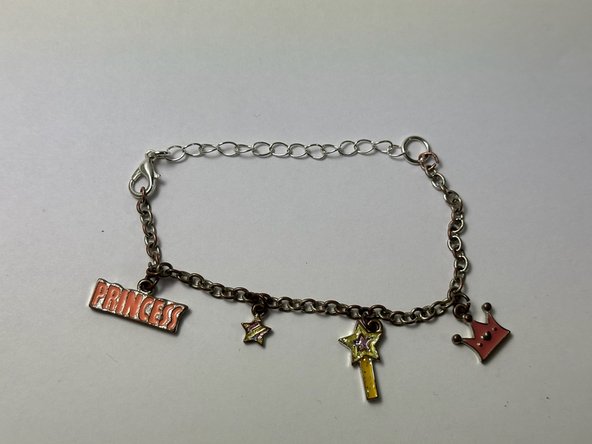
How to Add an Extension to a Chain Bracelet

Qué necesitas

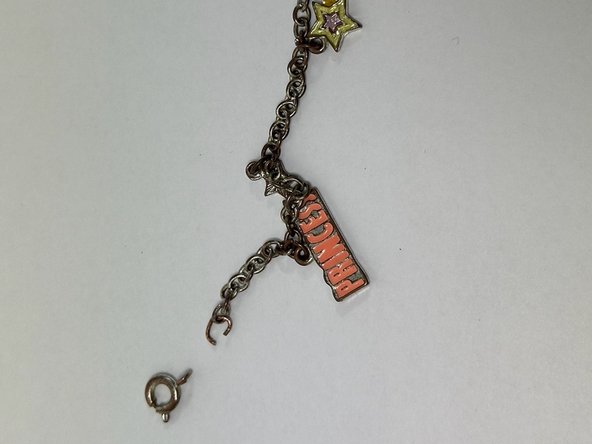
    1. How to Add an Extension to a Chain Bracelet, How to Add an Extension to a Chain Bracelet: paso 1, imagen 1 de 2 How to Add an Extension to a Chain Bracelet, How to Add an Extension to a Chain Bracelet: paso 1, imagen 2 de 2
      • Unclasp the bracelet and lay it out flat.

      Pregunta a FixBot

      Agregar Comentario

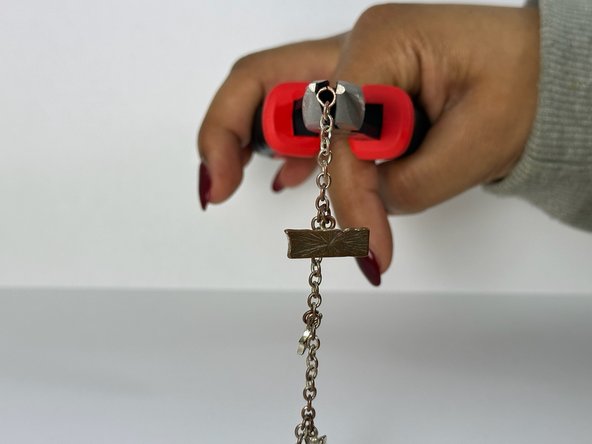
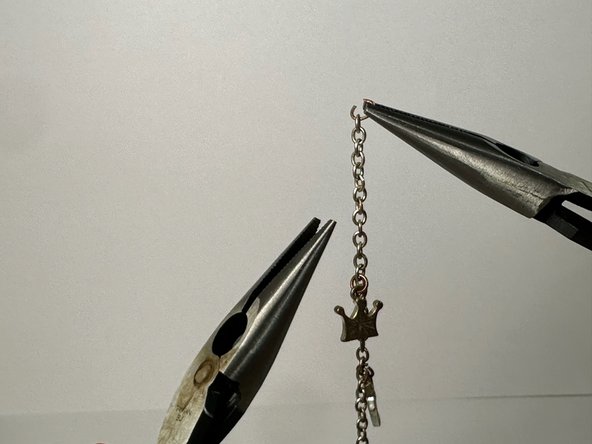
    2. How to Add an Extension to a Chain Bracelet: paso 2, imagen 1 de 3 How to Add an Extension to a Chain Bracelet: paso 2, imagen 2 de 3 How to Add an Extension to a Chain Bracelet: paso 2, imagen 3 de 3
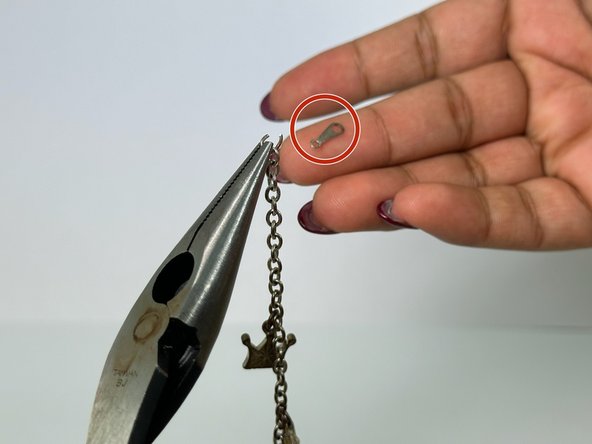
      • Locate the small opening on the last link of the bracelet.

      • Grip each side of the ring with a pair of pliers.

      • Slowly pull the link to expand the opening, with care not to snap it.

      Pregunta a FixBot

      Agregar Comentario

    3. How to Add an Extension to a Chain Bracelet: paso 3, imagen 1 de 3 How to Add an Extension to a Chain Bracelet: paso 3, imagen 2 de 3 How to Add an Extension to a Chain Bracelet: paso 3, imagen 3 de 3
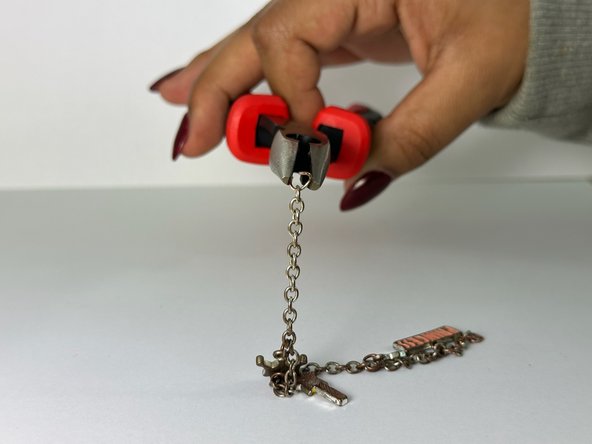
      • Remove the end most portion of the bracelet.

      • Use pliers to close the last link that your previously opened.

      Pregunta a FixBot

      Agregar Comentario

    4. How to Add an Extension to a Chain Bracelet: paso 4, imagen 1 de 3 How to Add an Extension to a Chain Bracelet: paso 4, imagen 2 de 3 How to Add an Extension to a Chain Bracelet: paso 4, imagen 3 de 3
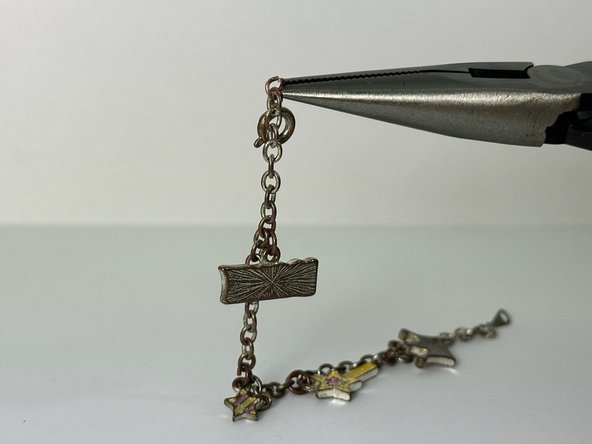
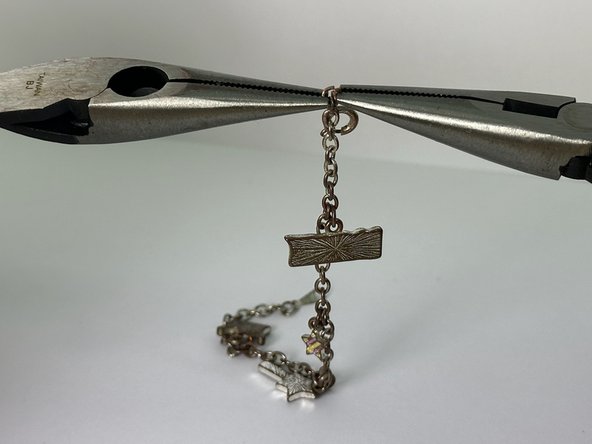
      • Find the piece that connects the clasp and the bracelet and locate the small opening in that piece.

      • Using 2 pliers, take the piece connecting the clasp and the bracelet and gently pull it apart to expand the opening.

      Pregunta a FixBot

      Agregar Comentario

    5. How to Add an Extension to a Chain Bracelet: paso 5, imagen 1 de 3 How to Add an Extension to a Chain Bracelet: paso 5, imagen 2 de 3 How to Add an Extension to a Chain Bracelet: paso 5, imagen 3 de 3
      • Remove the clasp.

      • Using one of the two pliers, close the link that was separated by slowly pushing the sides back into place.

      Pregunta a FixBot

      Agregar Comentario

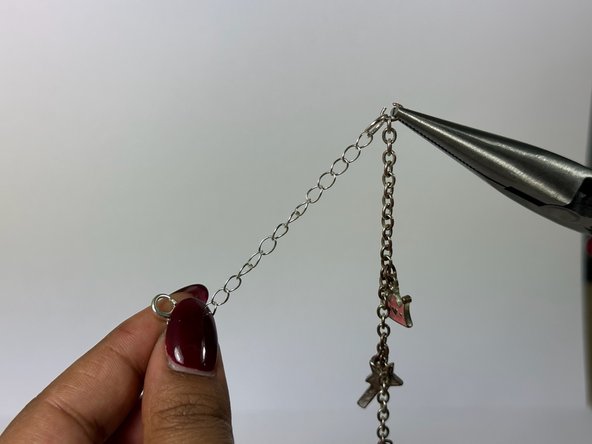
    6. How to Add an Extension to a Chain Bracelet: paso 6, imagen 1 de 3 How to Add an Extension to a Chain Bracelet: paso 6, imagen 2 de 3 How to Add an Extension to a Chain Bracelet: paso 6, imagen 3 de 3
      • Lay out the bracelet flat and facing upright.

      • Reopen one side of the bracelet using the two pliers and attach the extender (on the side that did not have the clasp).

      Pregunta a FixBot

      Agregar Comentario

    7. How to Add an Extension to a Chain Bracelet: paso 7, imagen 1 de 1
      • Close the ends of the chain connector using the 2 pliers again.

      Pregunta a FixBot

      Agregar Comentario

    8. How to Add an Extension to a Chain Bracelet: paso 8, imagen 1 de 2 How to Add an Extension to a Chain Bracelet: paso 8, imagen 2 de 2
      • Use the clasp side of the connector and connect the two ends of the bracelet.

      Pregunta a FixBot

      Agregar Comentario

Conclusión

Following these steps will be the more efficient way to add an extension to a bracelet. To detach the extension from the bracelet and return to its original state, follow these instructions in reverse order.

Cancelar: No complete esta guía.

Neha Bagepalli

Miembro Desde 02/01/24

157 Reputación

1 Guía escrita

Equipo

UC Davis, Team 2-8, Andersen Winter 2024 Miembro de UC Davis, Team 2-8, Andersen Winter 2024

UCD-ANDERSEN-W24S2G8

Miembros de 2

9 Guías creadas

0Guía Comentarios

Agregar Comentario

Ver Estadísticas:

Ultimas 24 horas: 2

Ultimos 7 días: 16

Ultimos 30 días: 100

Todo El Tiempo: 1,127