Saltar al contenido principal
Únete a la Comunidad de Reparación - Crear Cuenta

HTC Rhyme Volume Button Replacement

Qué necesitas

  1. HTC Rhyme Volume Button  Replacement, Removing Back Cover: paso 1, imagen 1 de 1
    • Slide the bottom back cover off of the phone.

    Pregunta a FixBot
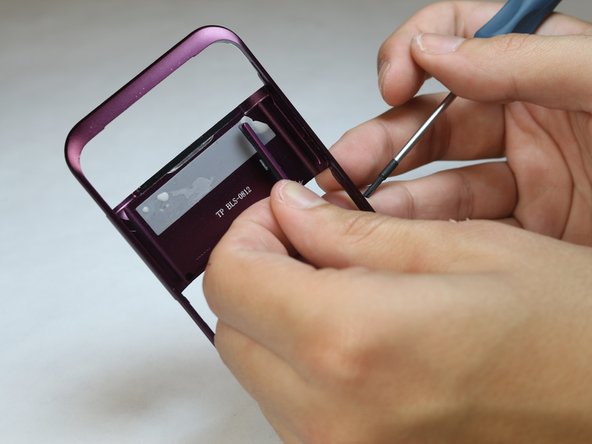
  2. HTC Rhyme Volume Button  Replacement: paso 2, imagen 1 de 1
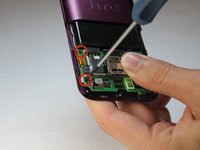
    • Locate the four screws on the plastic cover and unscrew them.

    Pregunta a FixBot
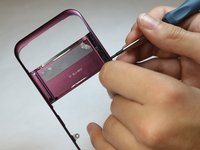
  3. HTC Rhyme Volume Button  Replacement: paso 3, imagen 1 de 1
    • Pry the sticker off from the sides.

    • You can use a metal spudger to do this.

    • Peel the sticker off with your hands.

    Pregunta a FixBot

  4. HTC Rhyme Volume Button  Replacement, Remove the plastic cover: paso 4, imagen 1 de 1
    • Remove the plastic cover using your hands.

    Pregunta a FixBot
  5. HTC Rhyme Volume Button  Replacement: paso 5, imagen 1 de 1
    • Remove the yellow ribbon.

    Pregunta a FixBot
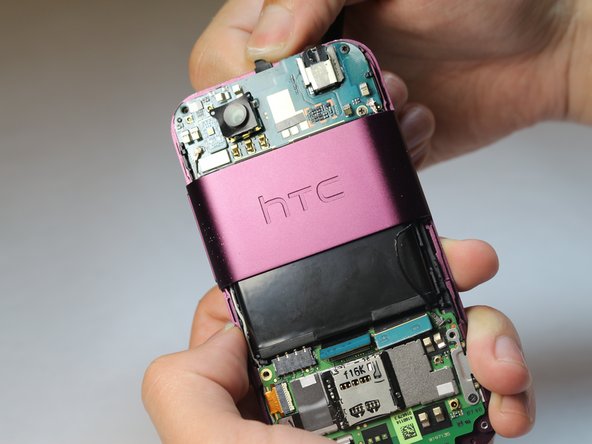
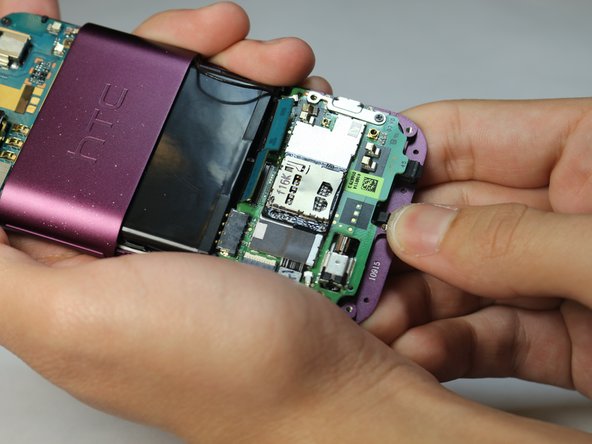
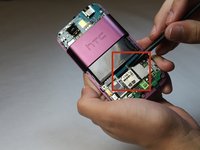
  6. HTC Rhyme Volume Button  Replacement: paso 6, imagen 1 de 3 HTC Rhyme Volume Button  Replacement: paso 6, imagen 2 de 3 HTC Rhyme Volume Button  Replacement: paso 6, imagen 3 de 3
    • Lift up the blue flaps underneath the battery.

    • Lift up the black flap at the top of the phone.

    • Lift up the black flap at the bottom of the phone.

    Pregunta a FixBot
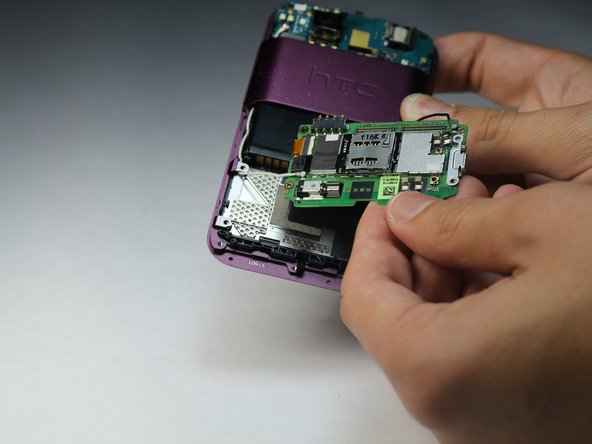
  7. HTC Rhyme Volume Button  Replacement, Remove the Motherboard: paso 7, imagen 1 de 2 HTC Rhyme Volume Button  Replacement, Remove the Motherboard: paso 7, imagen 2 de 2
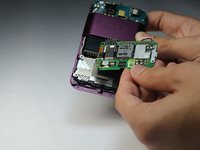
    • Remove all 4 screws.

    • Carefully remove the motherboard with your hands.

    Pregunta a FixBot
  8. HTC Rhyme Volume Button  Replacement, Removing the back plastic casing: paso 8, imagen 1 de 3 HTC Rhyme Volume Button  Replacement, Removing the back plastic casing: paso 8, imagen 2 de 3 HTC Rhyme Volume Button  Replacement, Removing the back plastic casing: paso 8, imagen 3 de 3
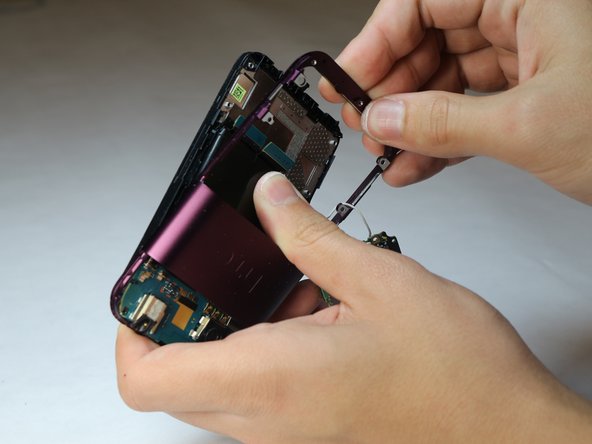
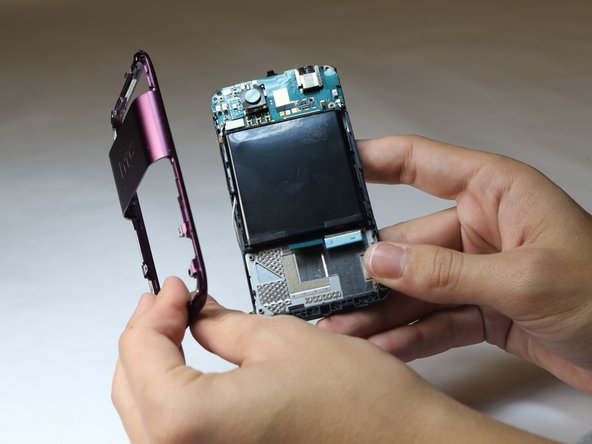
    • Pry the back plastic casing off with your hands.

    Pregunta a FixBot
  9. HTC Rhyme Volume Button  Replacement: paso 9, imagen 1 de 2 HTC Rhyme Volume Button  Replacement: paso 9, imagen 2 de 2
    • Use the tip of a screwdriver to push the button out of the panel.

    Pregunta a FixBot
Conclusión

To reassemble your device, follow these instructions in reverse order.

Frederick

Miembro Desde 10/08/14

119 Reputación

1 Guía escrita

Equipo

USF Tampa, Team 9-6, Leahy Fall 2014 Miembro de USF Tampa, Team 9-6, Leahy Fall 2014

USFT-LEAHY-F14S9G6

Miembros de 3

10 Guías creadas

0Guía Comentarios

Agregar Comentario

Ver Estadísticas:

Ultimas 24 horas: 1

Ultimos 7 días: 4

Ultimos 30 días: 42

Todo El Tiempo: 448