Introducción
This guide will be used to open the DJI Phantom 3 Standard Remote Controller to access and change the battery. If your controller isn't charging properly, check out this troubleshooting page before continuing onto the repair guide. Step 3 should be handled carefully to avoid damage to the connection between the battery and the connection port.
Qué necesitas
-
-
Position the controller so the back is facing up and the joysticks are resting on the table.
-
Remove the four 11 mm screws that secure the back plate using a Phillips #0 screwdriver.
-
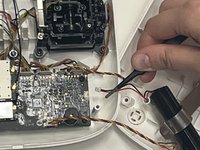
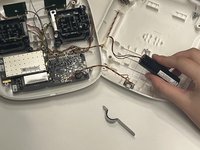
Remove the back plate, being mindful of the wires still connected to the device.
-
-


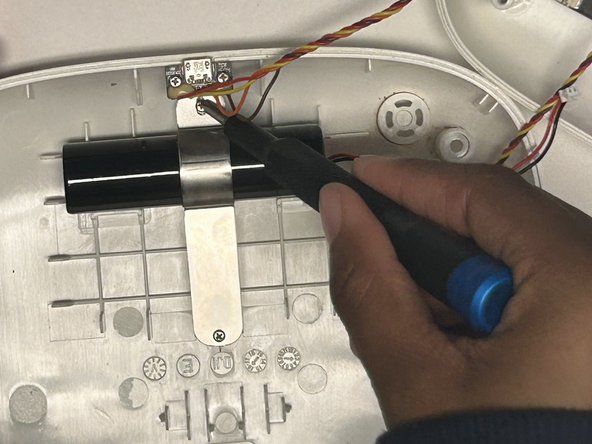


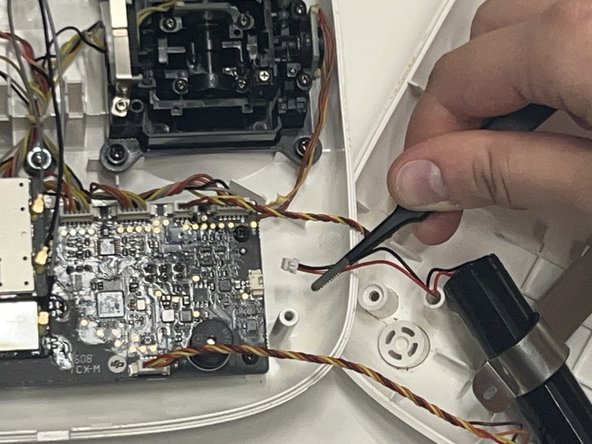
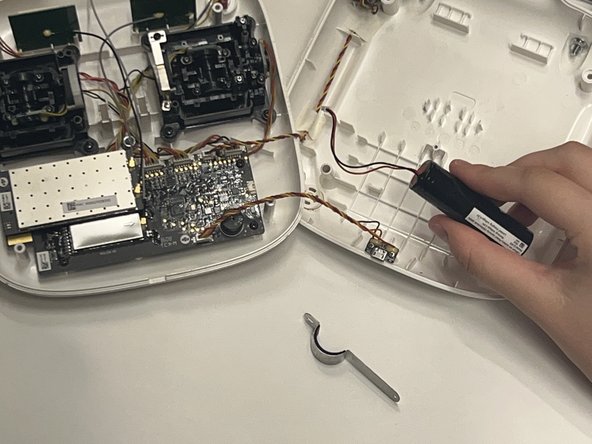
To reassemble your device, follow these instructions in reverse order.



Equipo

Western Carolina University, Team 1-5, Virtue Fall 2024 Miembro de Western Carolina University, Team 1-5, Virtue Fall 2024
WCU-VIRTUE-F24S1G5
Miembros de 4
5 Guías creadas
